
Next page
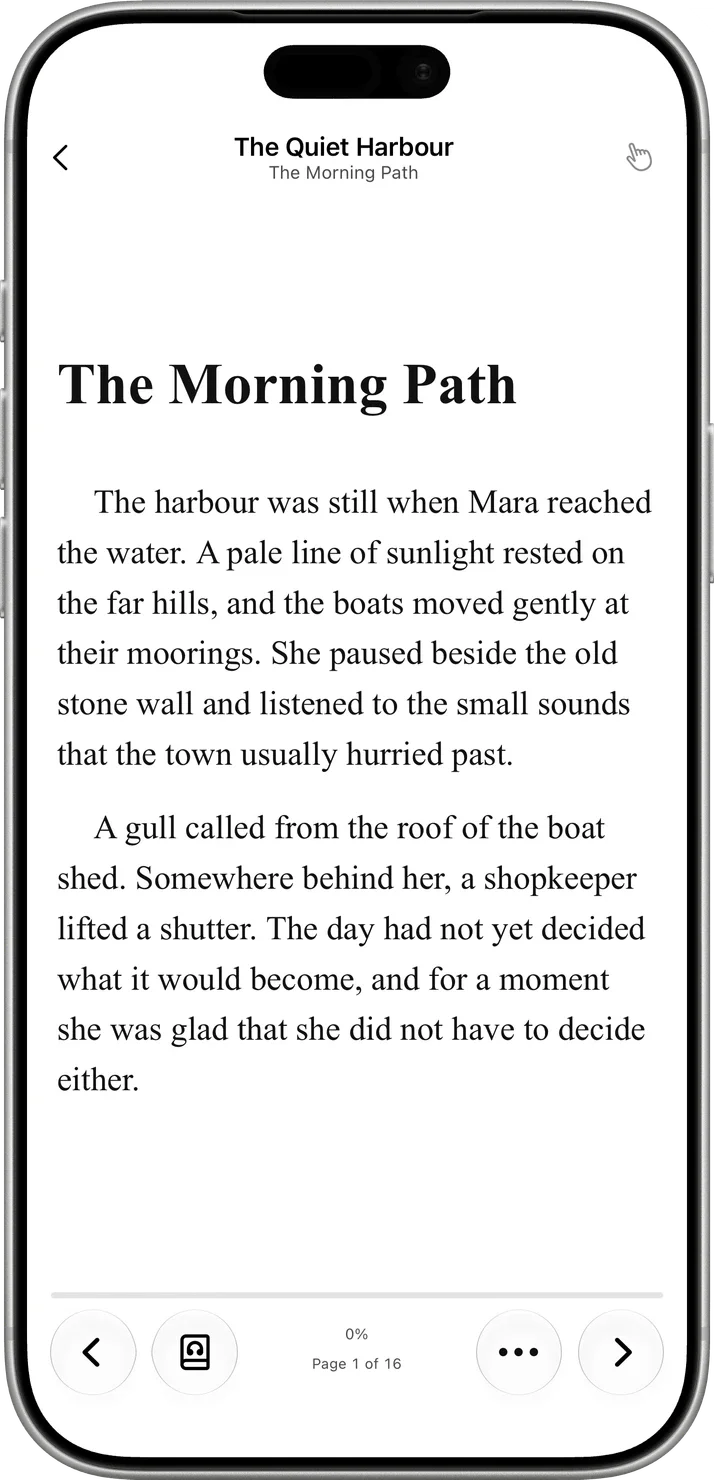
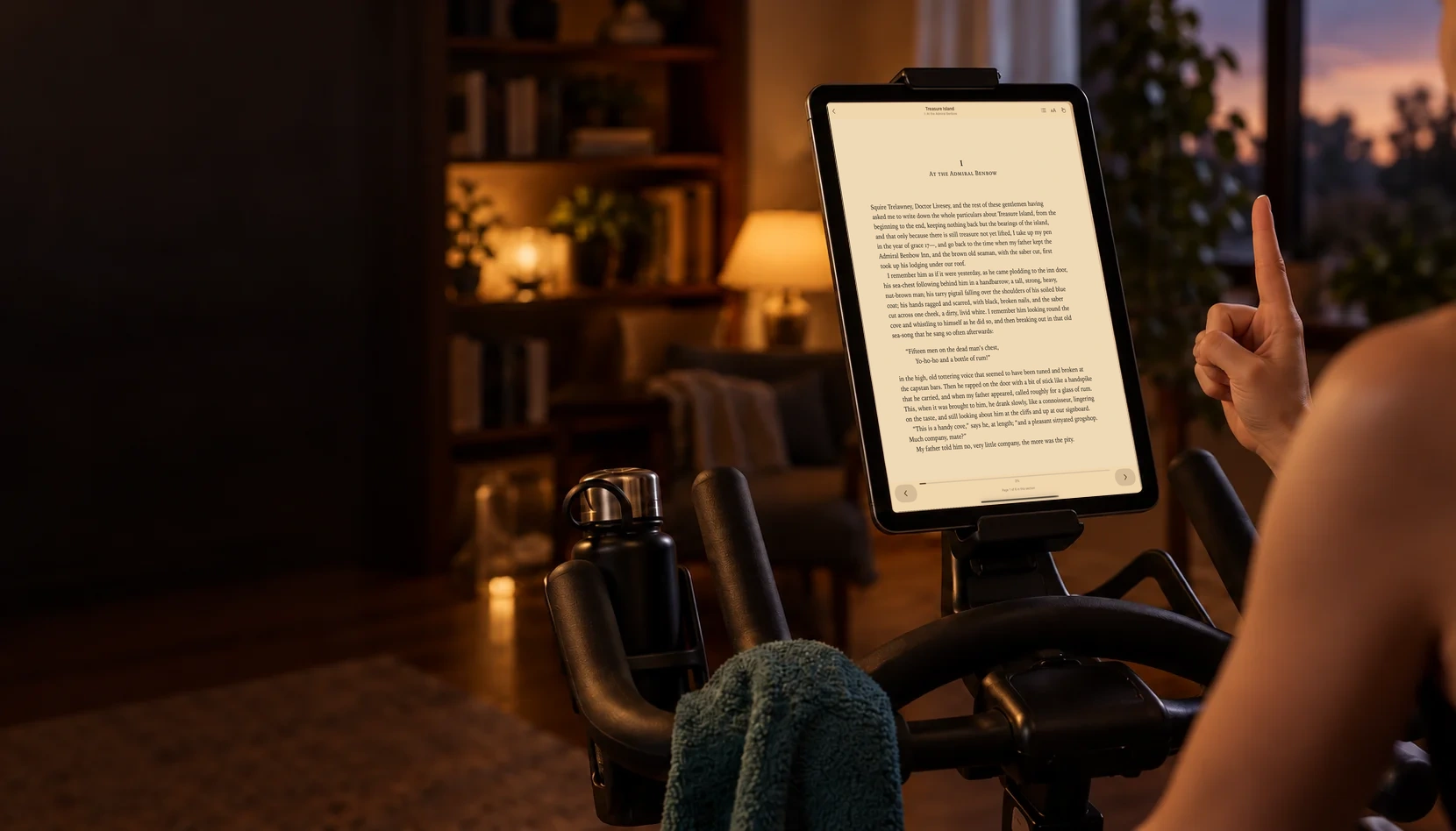
Raise one index finger. Swipe left in view of the camera for the next page.
Gesture demonstration · no camera accessYOUR BOOKS. YOUR RHYTHM.
Turn pages
without touching.
Read your EPUBs with a simple finger gesture. Listen, save a passage and build your reading rhythm.
For iPhone, iPad and Mac
KEEP THE STORY GOING
Your next chapter.
One gesture away.
Bring your own EPUBs
Open the DRM-free books you already own. Your next read is up to you.
Find your reading rhythm
Settle into a treadmill walk or bike session. Turn the page with one finger.
Camera processing on device
Your gestures are recognised on your device. No video is recorded or uploaded.
PAGEFLICK 2.0
More ways to enjoy
your next chapter.
Read aloud, collect highlights and notes, and see your reading activity. Alongside the gesture reading, themes and text controls you already know.
PageFlick 2.0 is released for iPhone, iPad and Mac. See everything new in 2.0 →
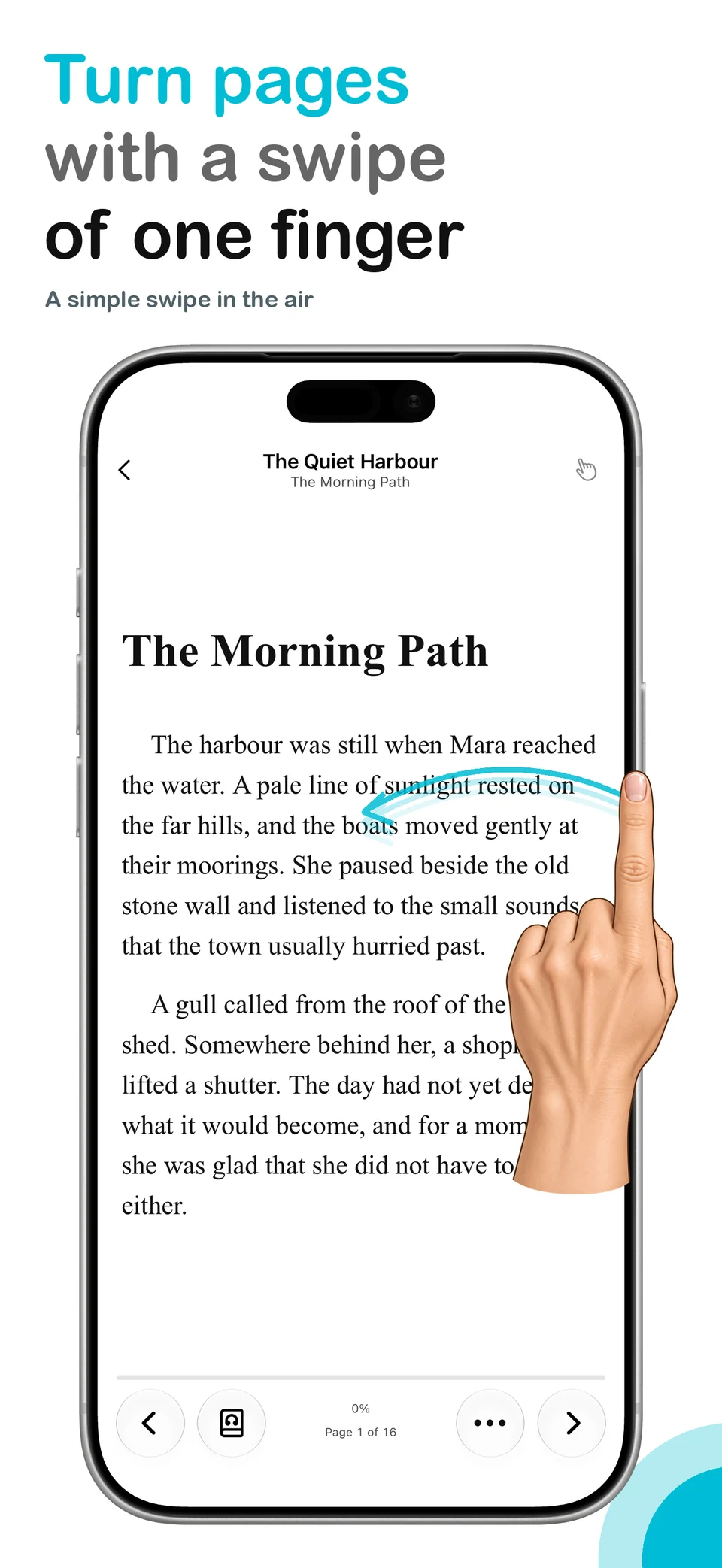
One finger. The next page.
Raise one index finger and swipe in the air. Keep your familiar reading controls, too.
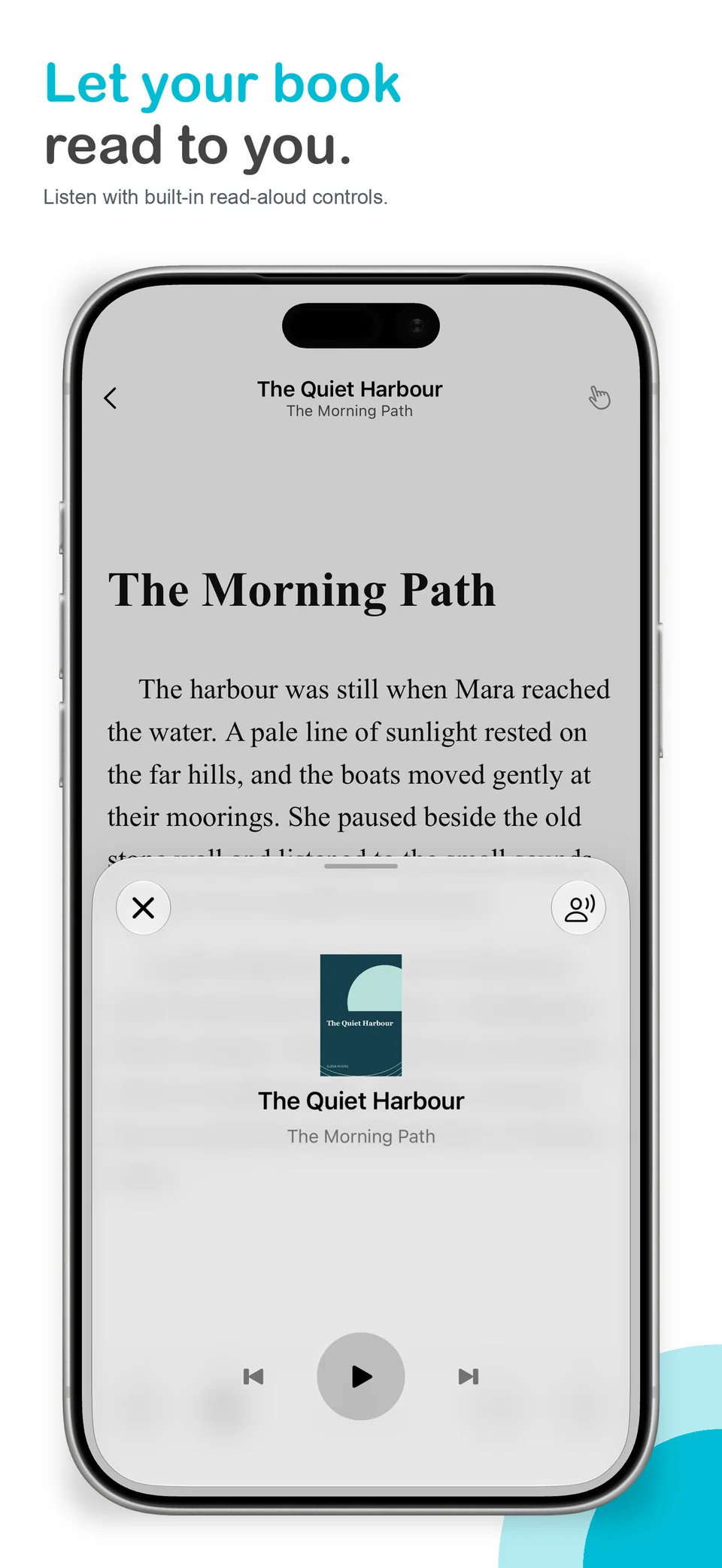
Let the book read to you.
Pause, resume and move between sentences with built-in read aloud. Choose a compatible voice installed on your device.
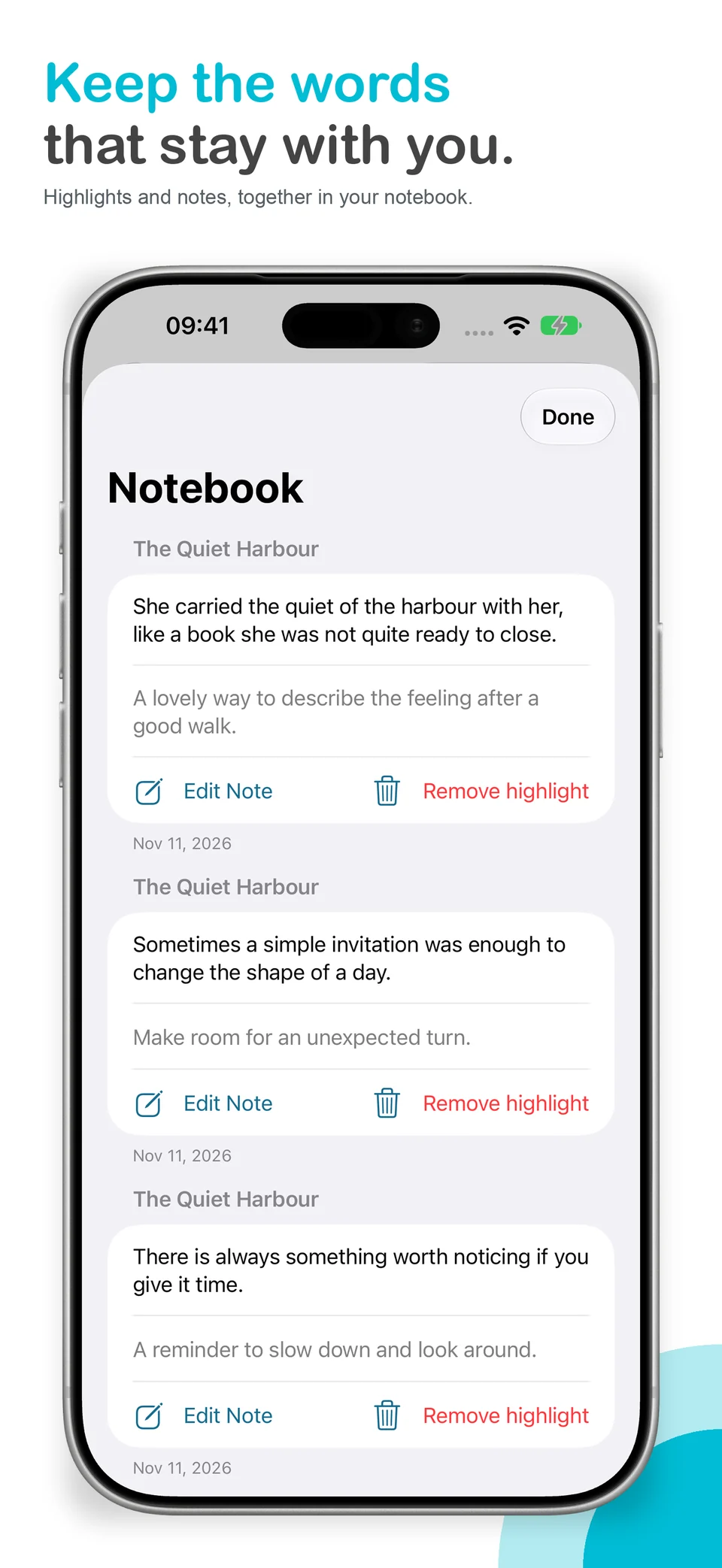
Keep the words that stay.
Revisit your highlights and notes in Notebook, without losing your place in the story.
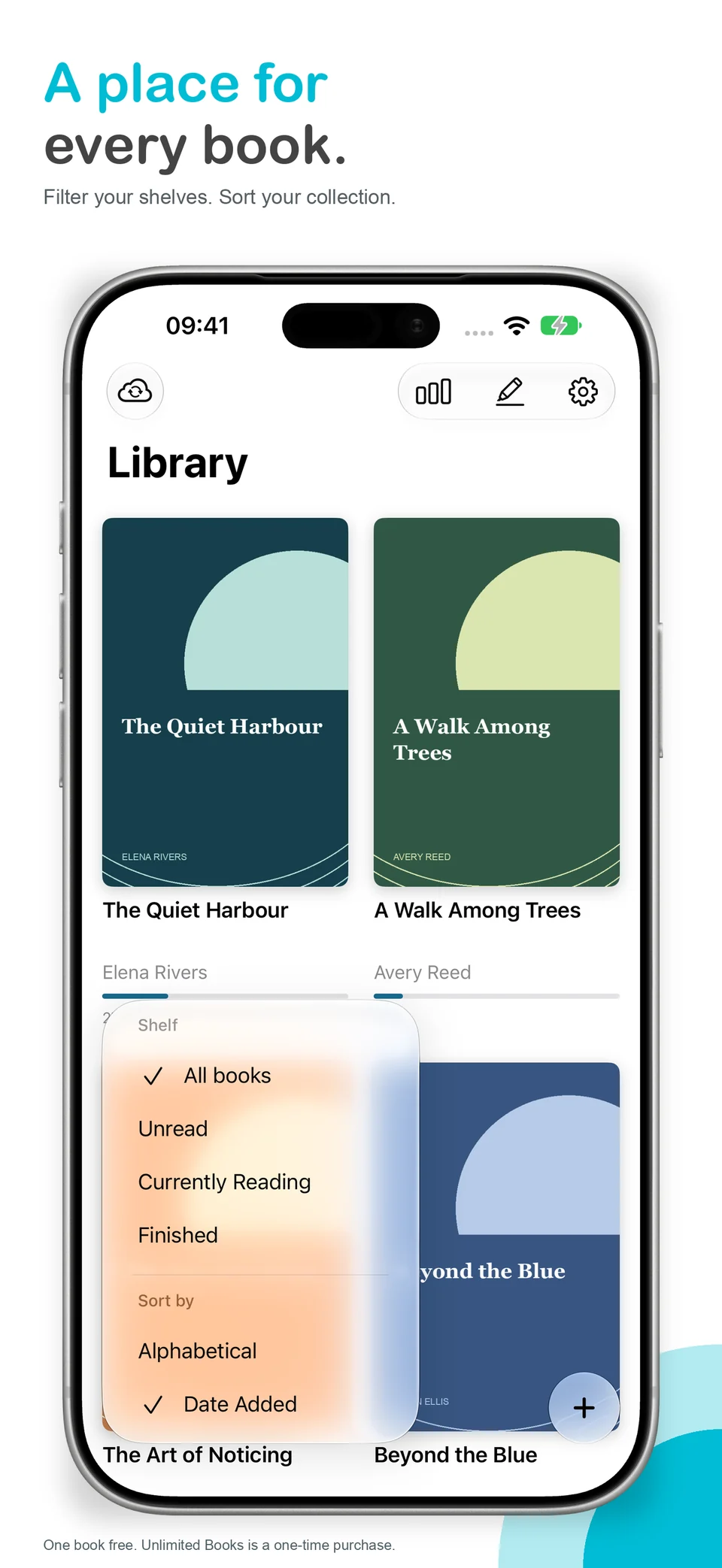
A place for every book.
Filter by Unread, Currently Reading or Finished. Sort your shelves alphabetically or by date added.
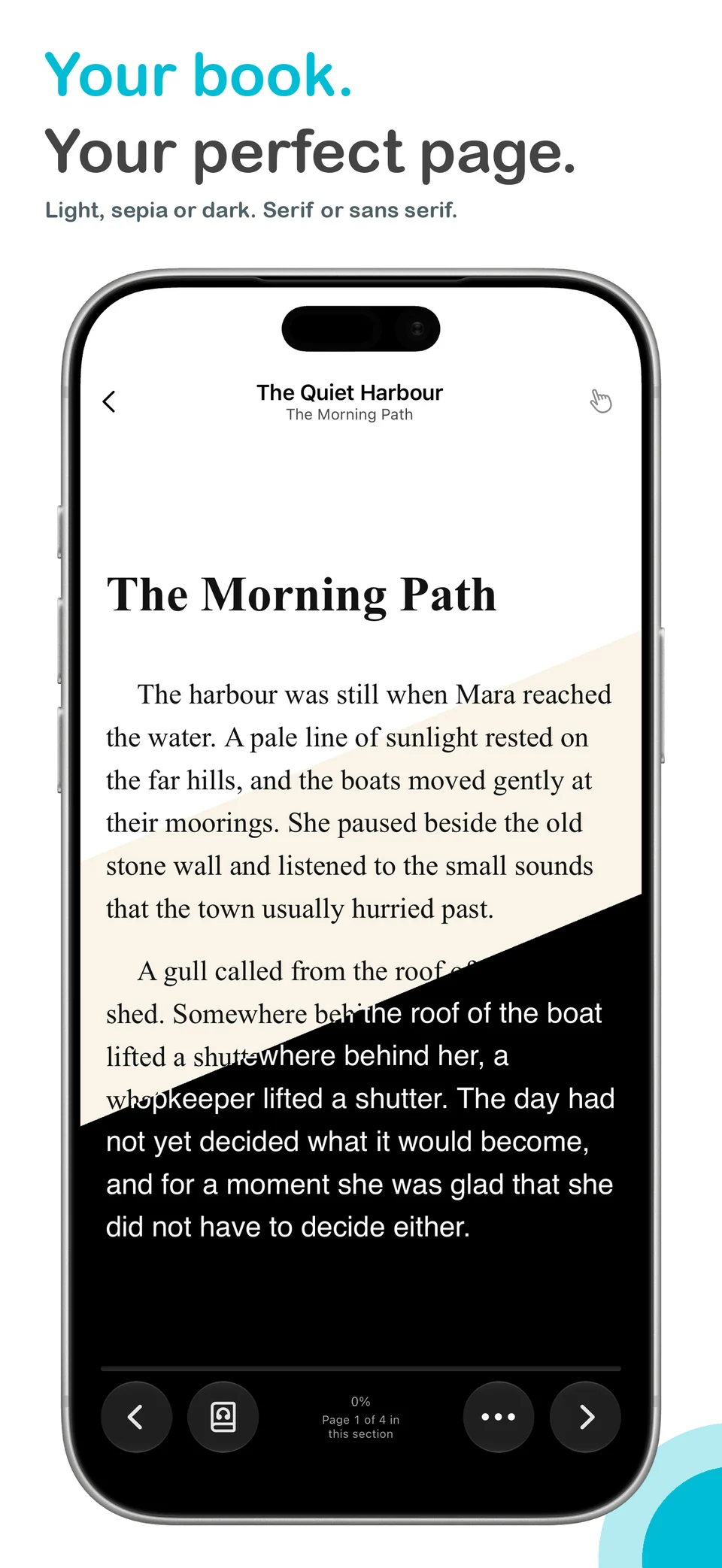
Your book. Your perfect page.
Light, sepia or dark. Serif or sans serif. Settle into a page that feels right for you.
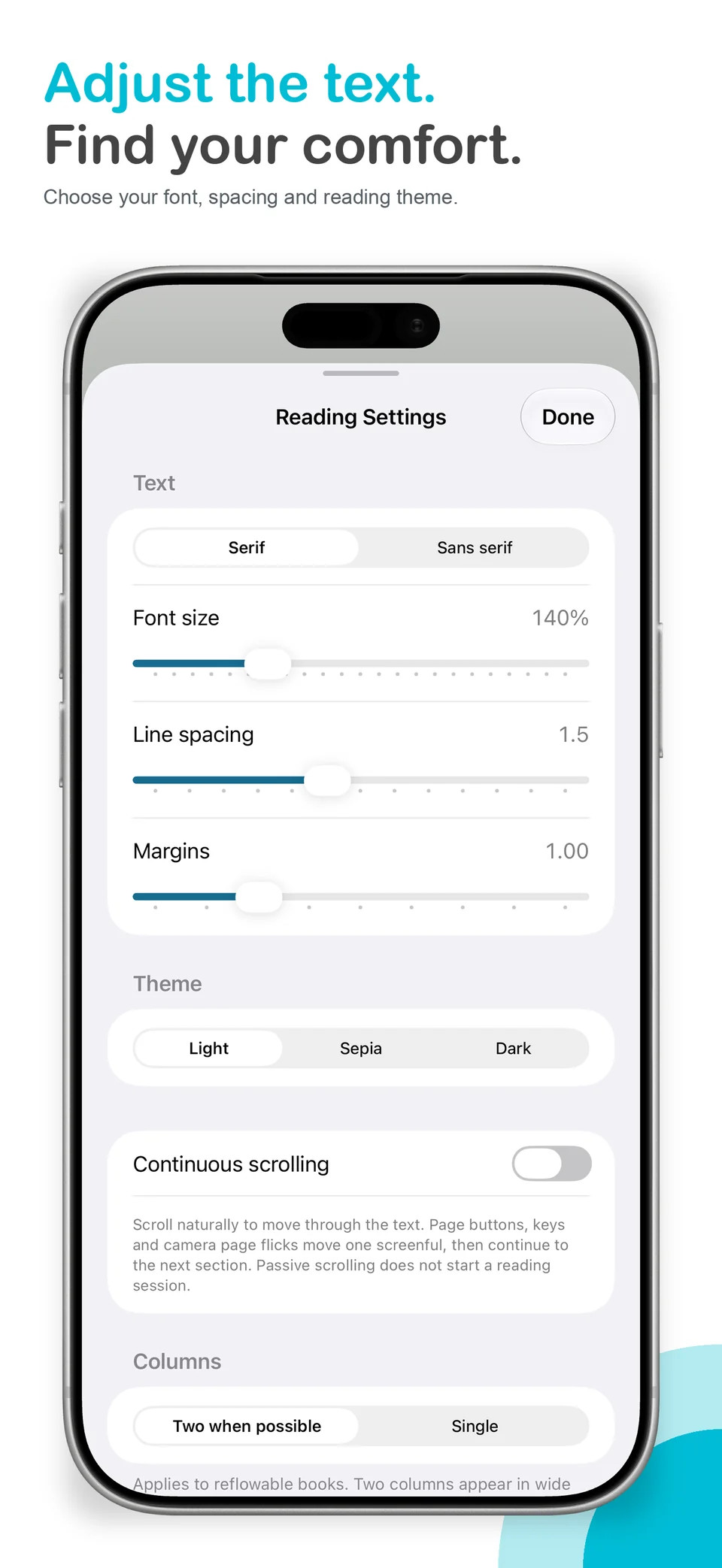
Find your reading comfort.
Adjust font size, spacing and margins with the reader’s text settings.
One book free. Keeping more books requires the optional one-time Unlimited Books purchase.
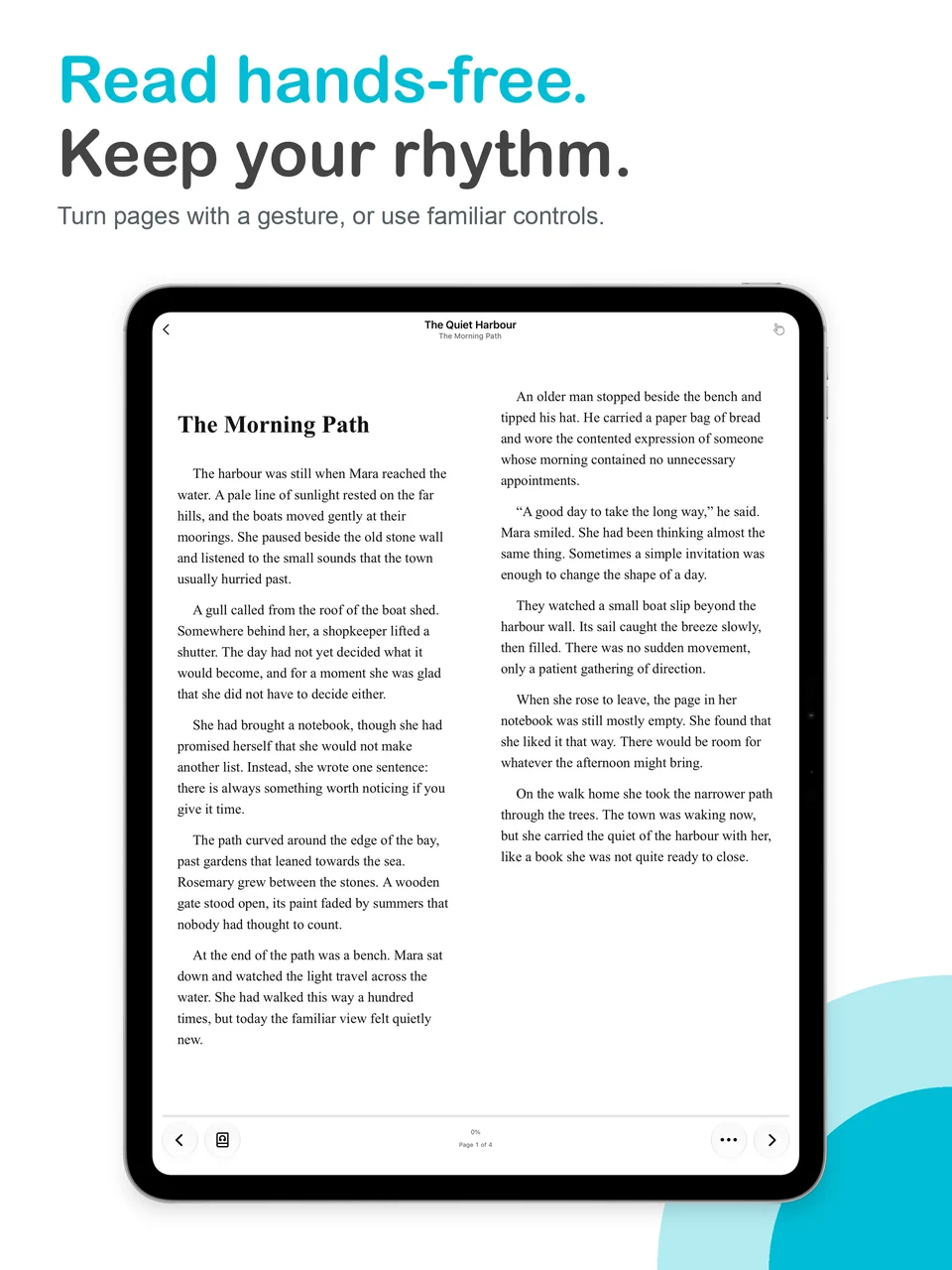
Room to read on iPad
The native iPad reader, with space for your book.
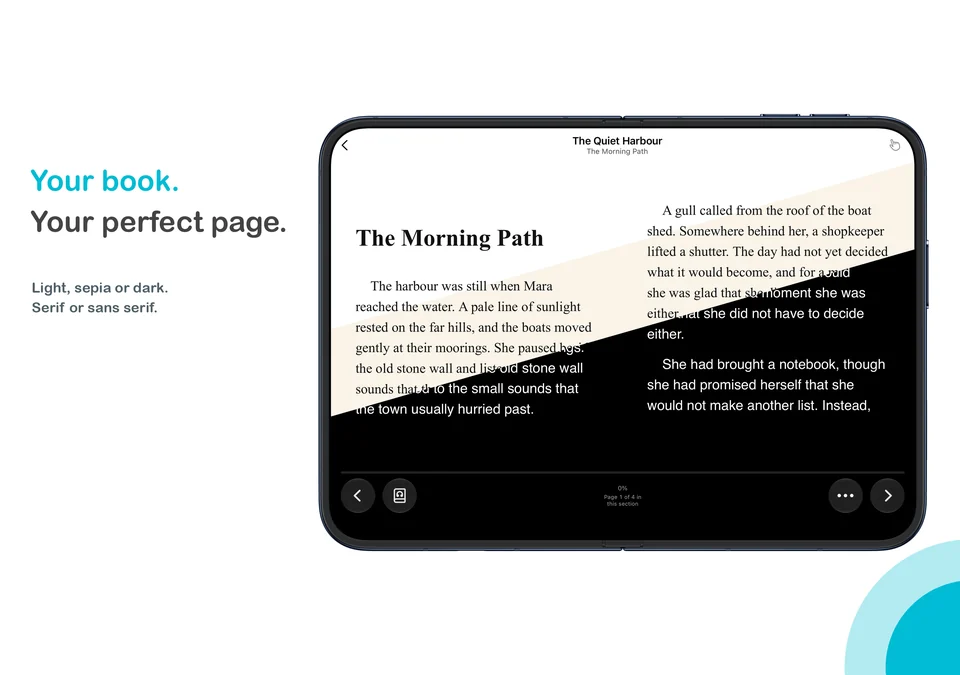
Open up on iPhone Duo
Themes on the wide inner display, not a stretched phone screenshot.
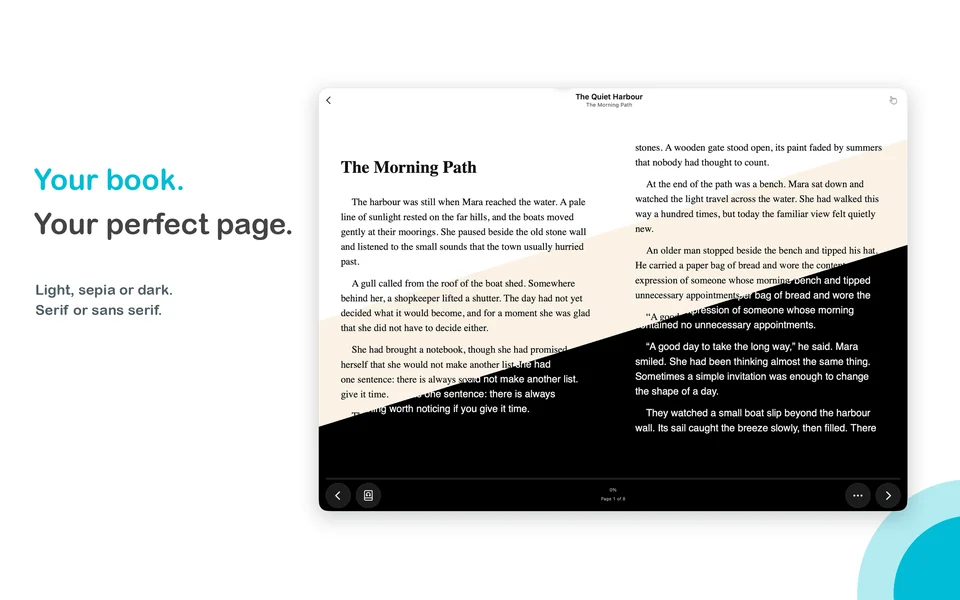
A chapter at your desk
PageFlick in its native Mac window.
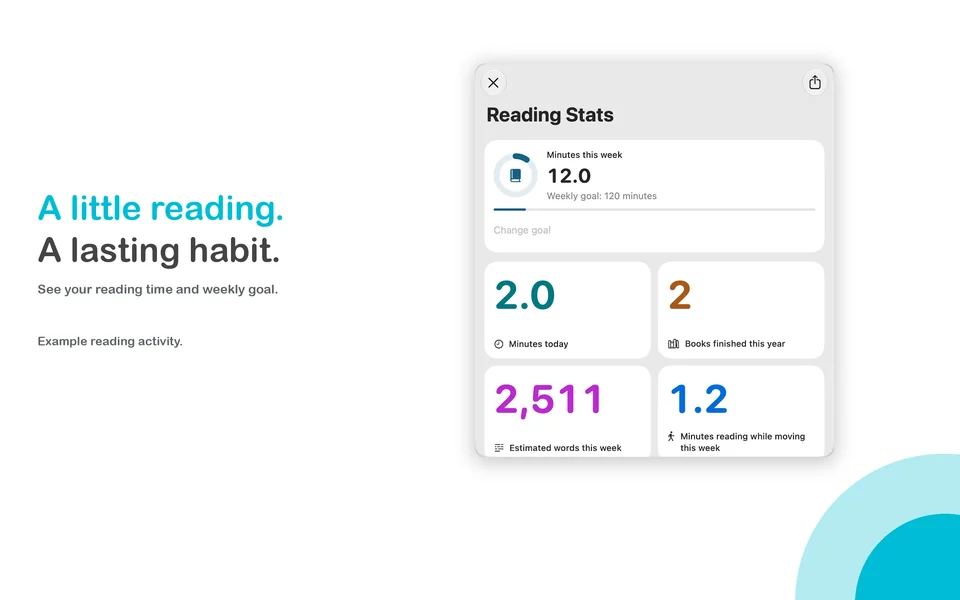
See your reading rhythm
Reading activity and goals. Word counts are estimates where available.
TAKE A CLOSER LOOK
Real screens.
More room for your reading.
From a quick listen on iPhone to notes on iPad and a reading session on Mac, see the tools in the app itself.
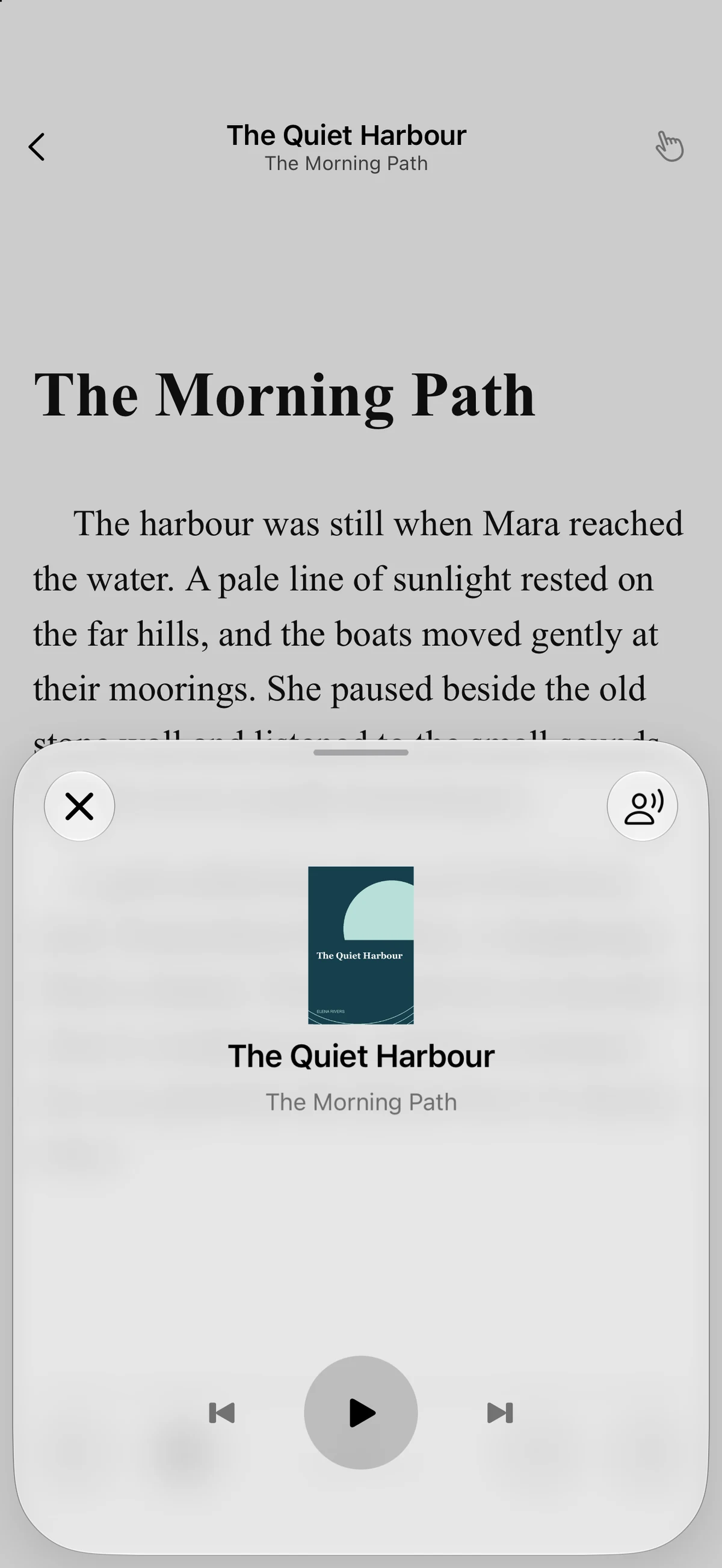
Read aloud
Playback controls sit over your open book. Pause, resume or move between sentences.
Open full screenshot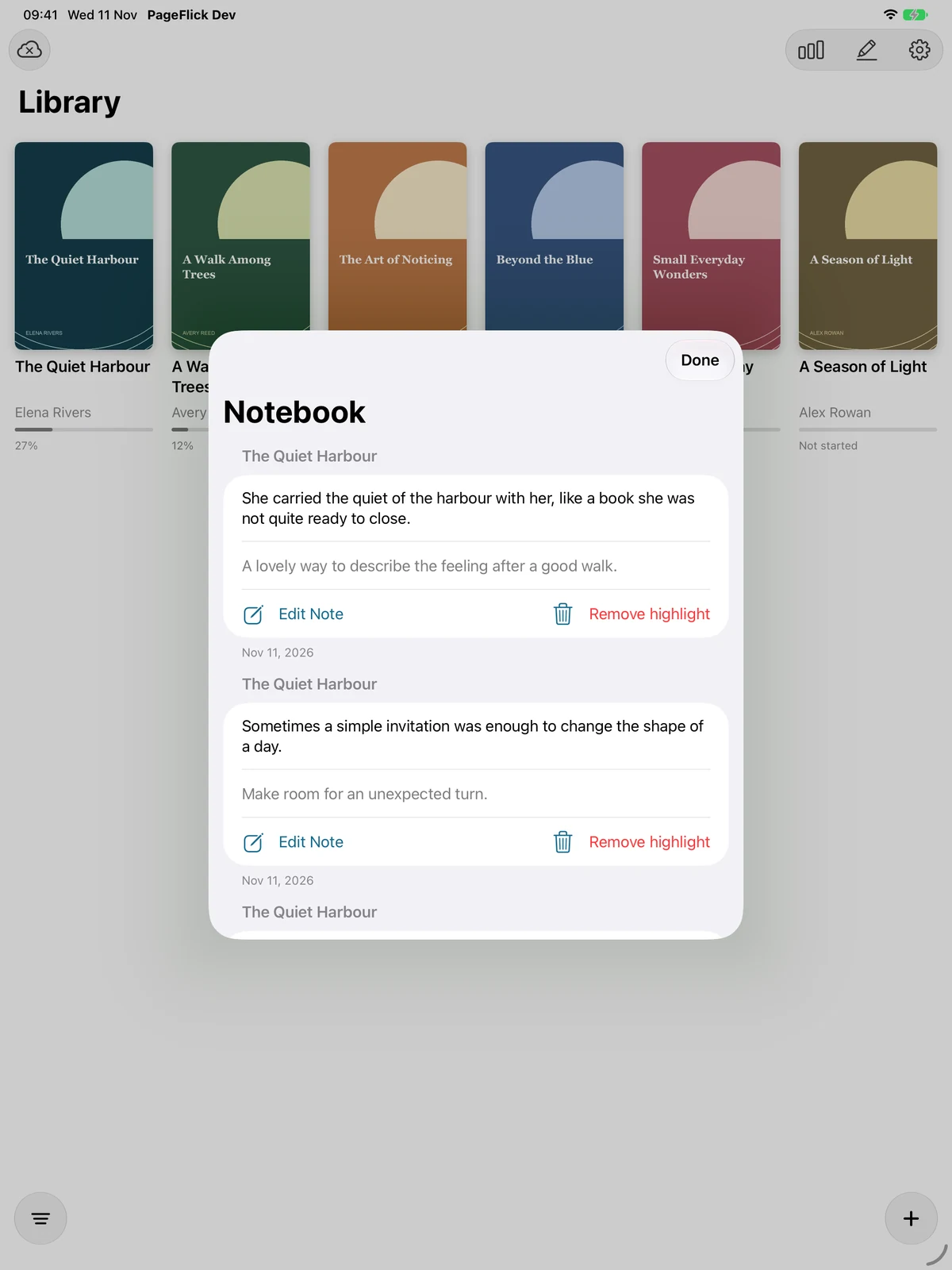
Highlights and notes
Revisit saved passages and edit your notes in Notebook.
Open full screenshot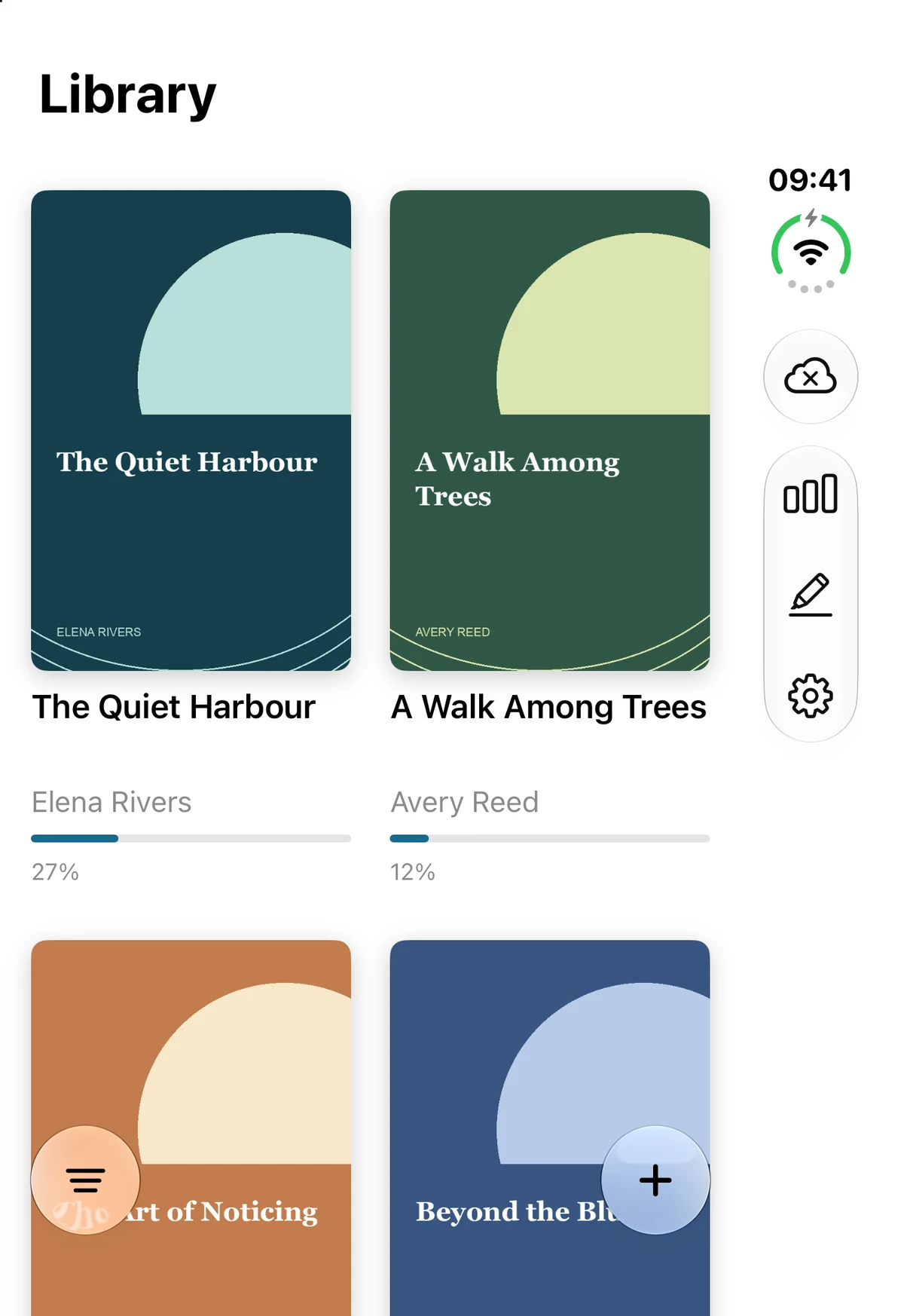
Your EPUB library
Browse the DRM-free books you have imported.
Open full screenshot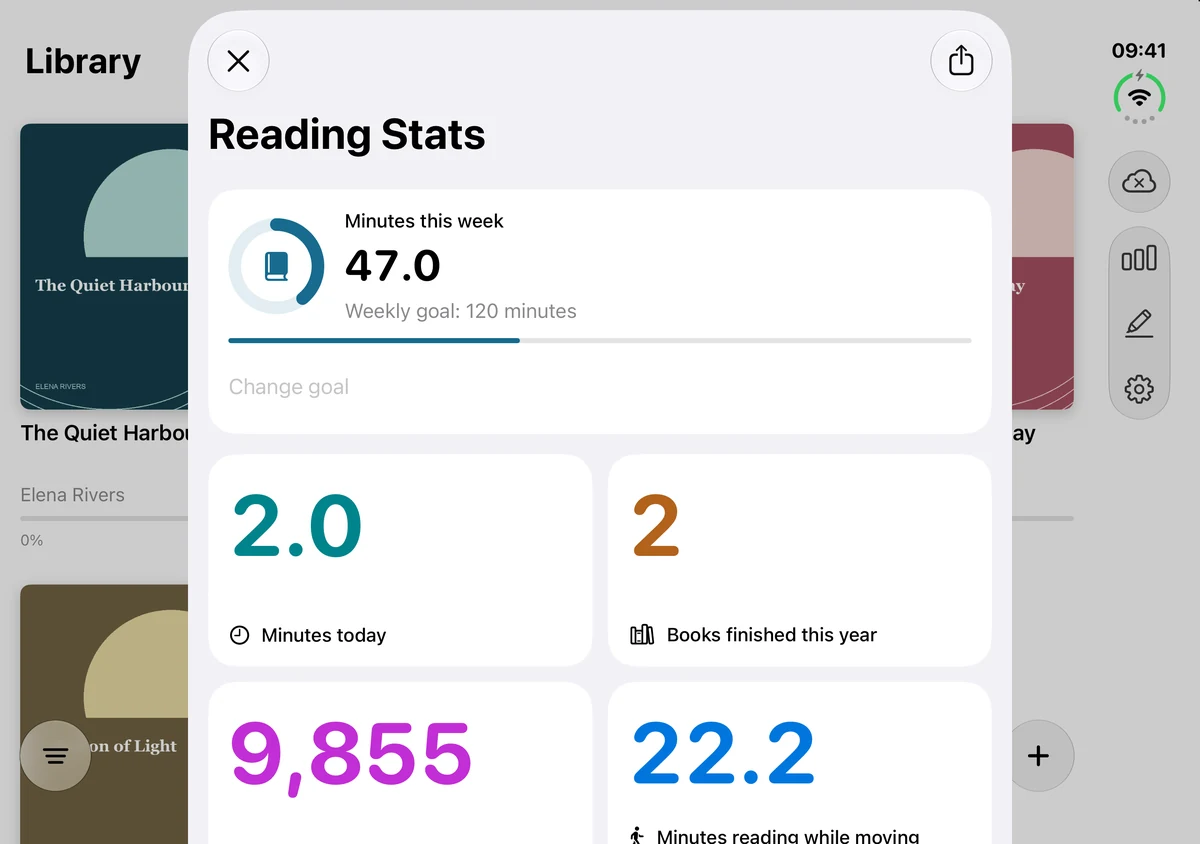
Reading stats and goals
Recorded reading activity alongside your weekly goal. Word totals are estimates.
Open full screenshot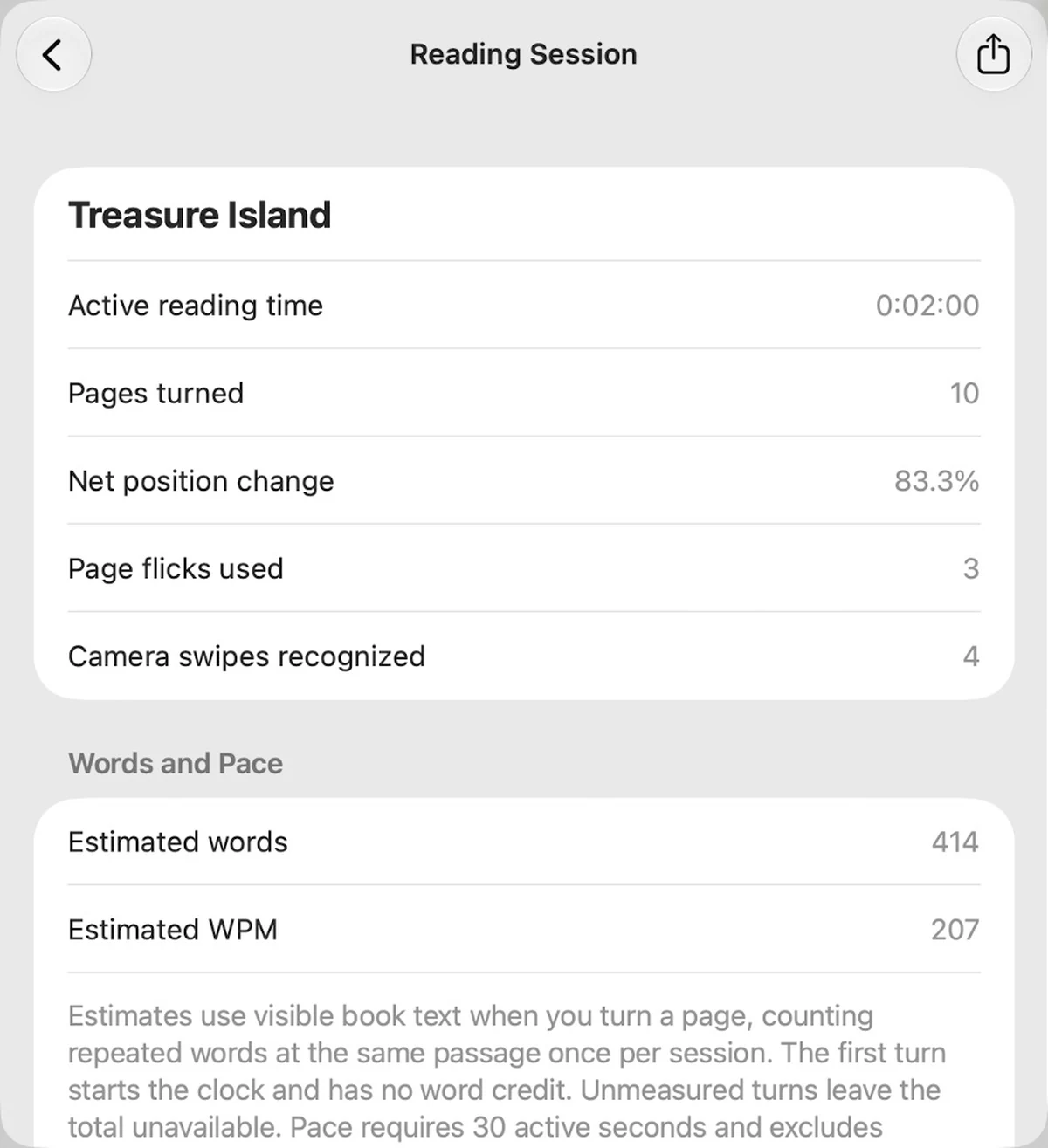
A closer look at a session
Inspect active reading time, page turns and estimated reading pace.
Actual Mac app window on a neutral desktop, shown in a MacBook frame.
Open full screenshotLESS REACHING. MORE READING.
One finger is all it takes.
Get comfortable, open a book,
and let the next chapter come to you.
Bring a book
Import a DRM-free EPUB from Files. Adjust the text to suit your reading.
Find your position
Secure your device, enable the camera and try the gesture in the practice guide.
Turn the page
Raise one index finger. Swipe left for the next page, or right to go back.
THE READING ROOM
From the PageFlick blog
PageFlick 2.0: more ways to keep the story going
A closer look at read aloud, Notebook, reading goals and a better-organized library in PageFlick 2.0.
PageFlick is now on the App Store
Bring your own EPUB, find a comfortable reading position, and turn the page with one finger. PageFlick is available for iPhone, iPad and Mac.

A NEW WAY TO TURN THE PAGE
Your next chapter starts here.
PageFlick is now on the App Store for iPhone, iPad and Mac.
Start with one book for free. Add more with the optional one-time Unlimited Books purchase.
 Requires iOS 27, iPadOS 27 or macOS 27 or later.