
INSIDE PAGEFLICK 2.0
Your books.
On your screen.
Explore the app’s actual reading tools across iPhone, iPad, both iPhone Duo displays and Mac. Open any screenshot for a closer look.
iPhone
Reading tools in your hand: read aloud, Notebook, text settings and activity.
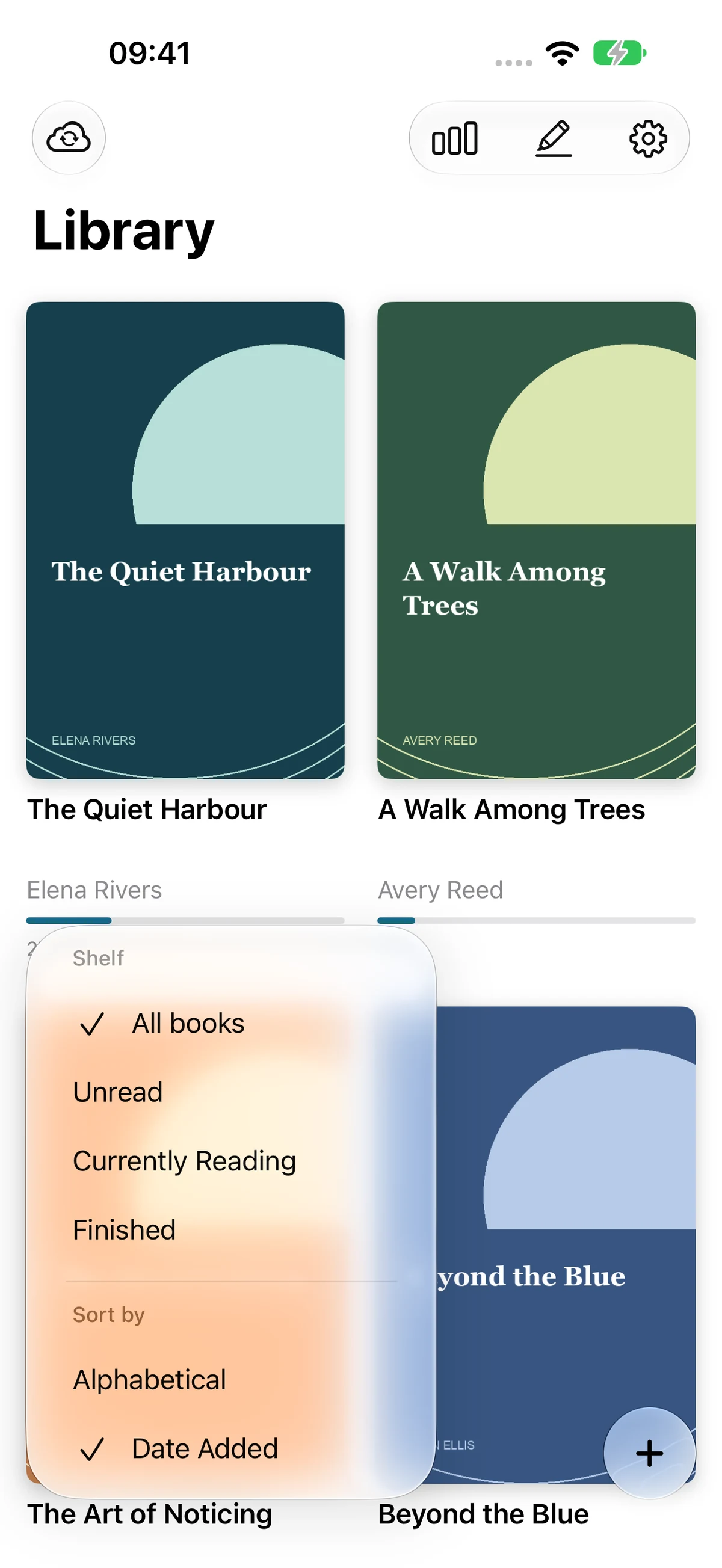
Shelves and sorting
Filter your shelves, then sort alphabetically or by date added.
Open full screenshot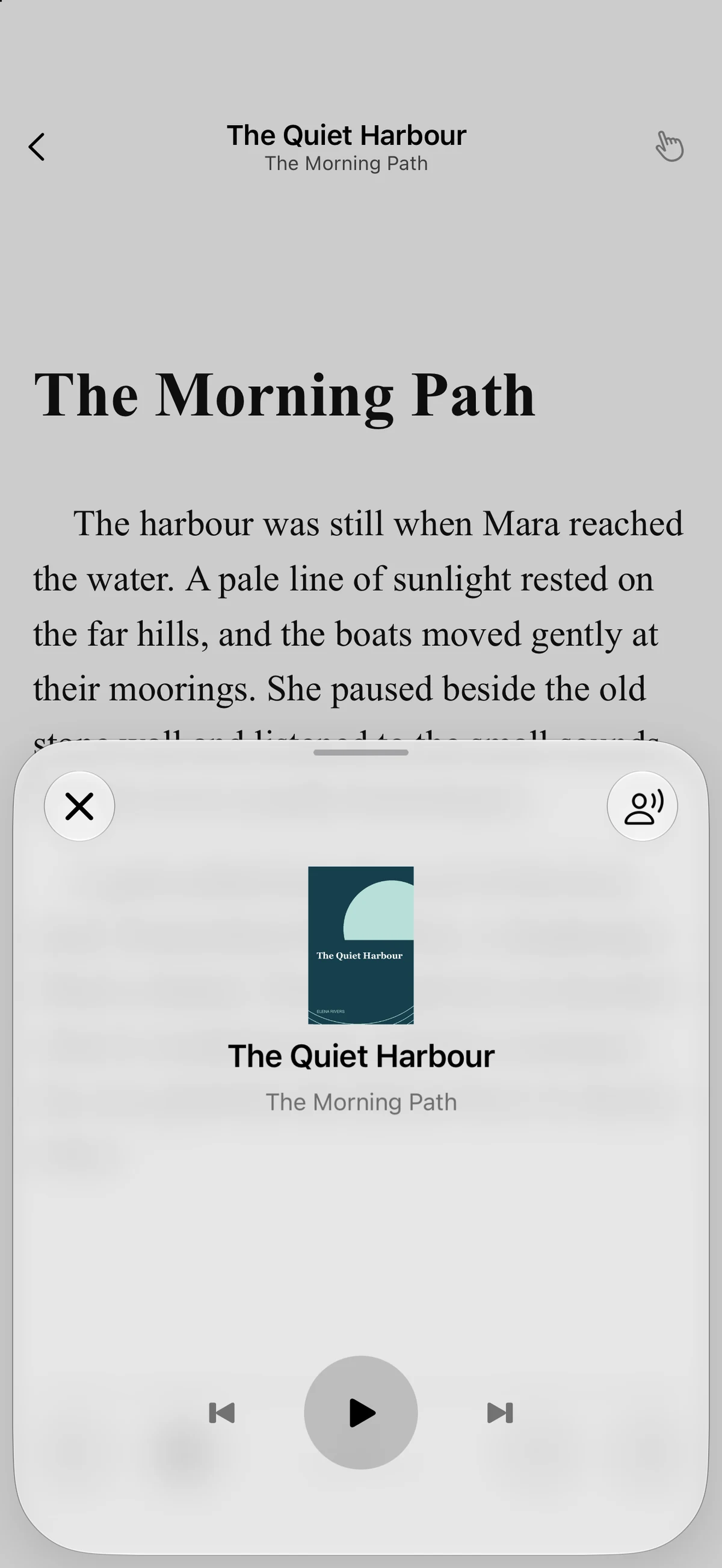
Read aloud
Playback controls sit over your open book. Pause, resume or move between sentences.
Open full screenshot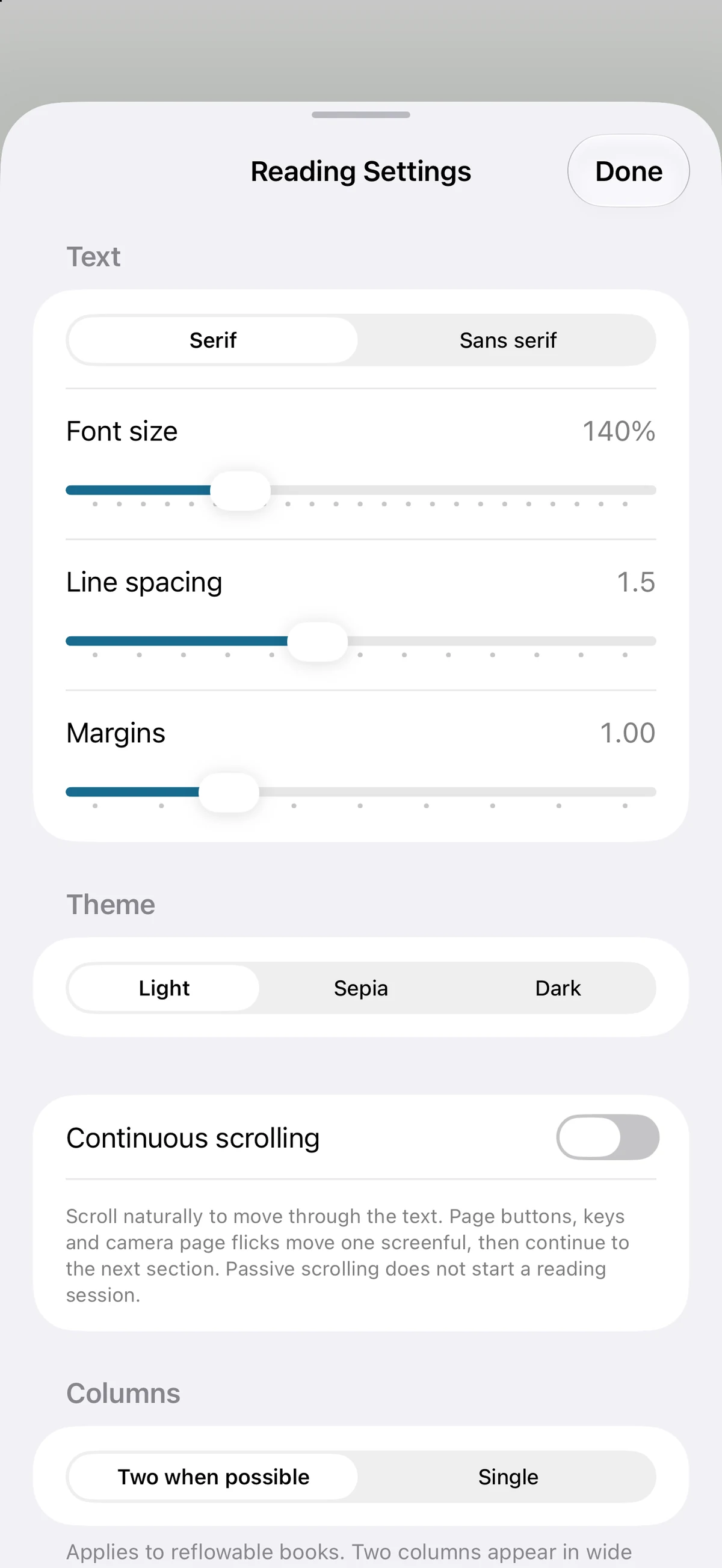
Text and reading settings
Adjust font, spacing, margins, theme and reading layout.
Open full screenshot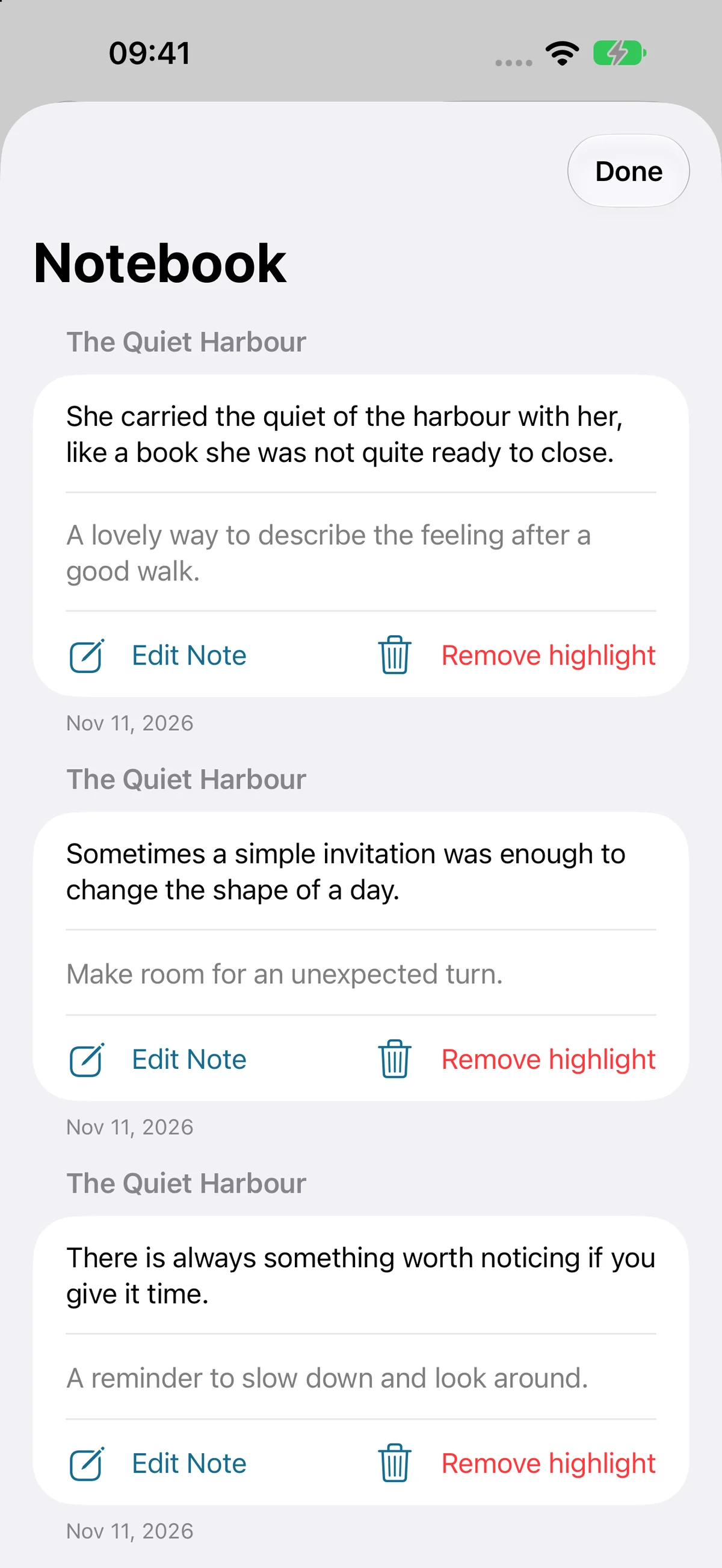
Highlights and notes
Revisit saved passages and edit your notes in Notebook.
Open full screenshot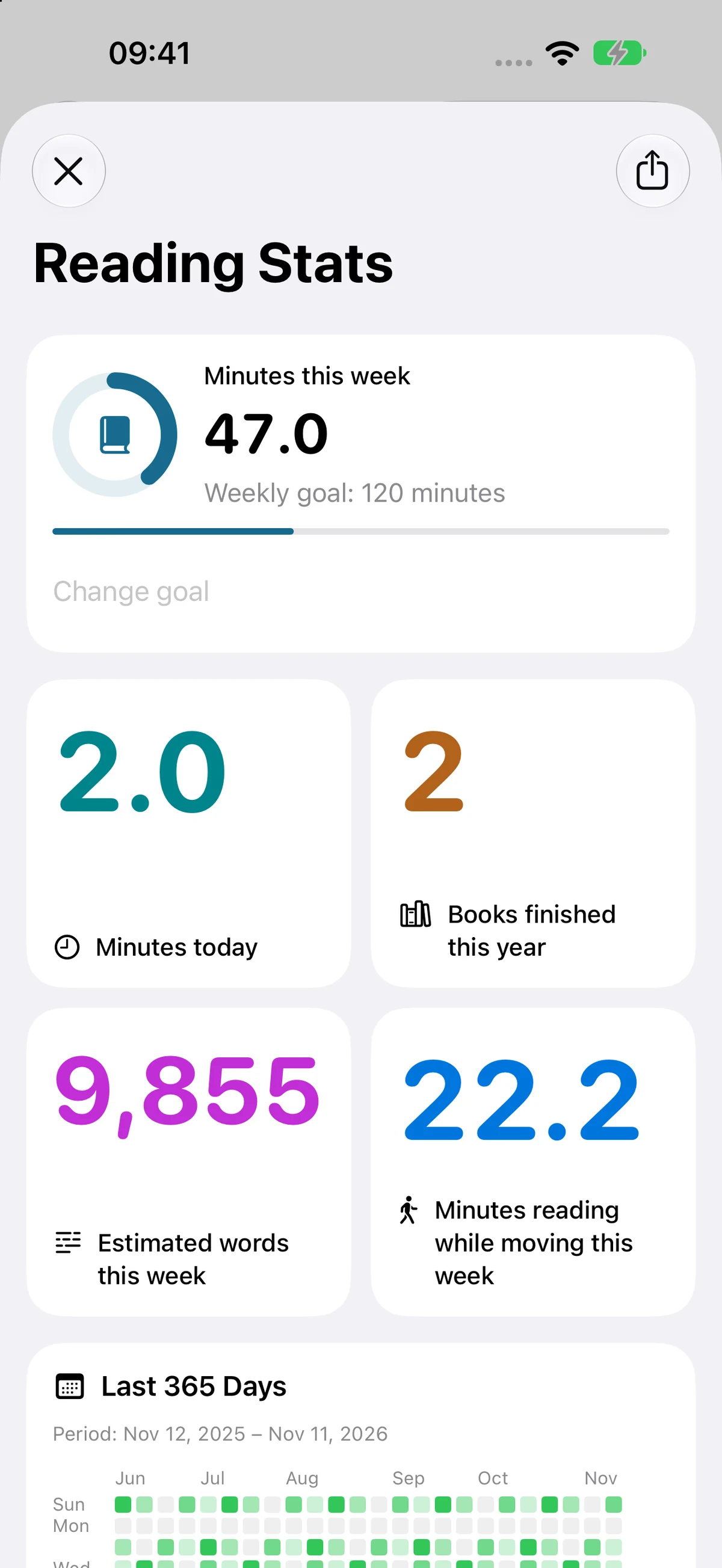
Reading stats and goals
Recorded reading activity alongside your weekly goal. Word totals are estimates.
Open full screenshot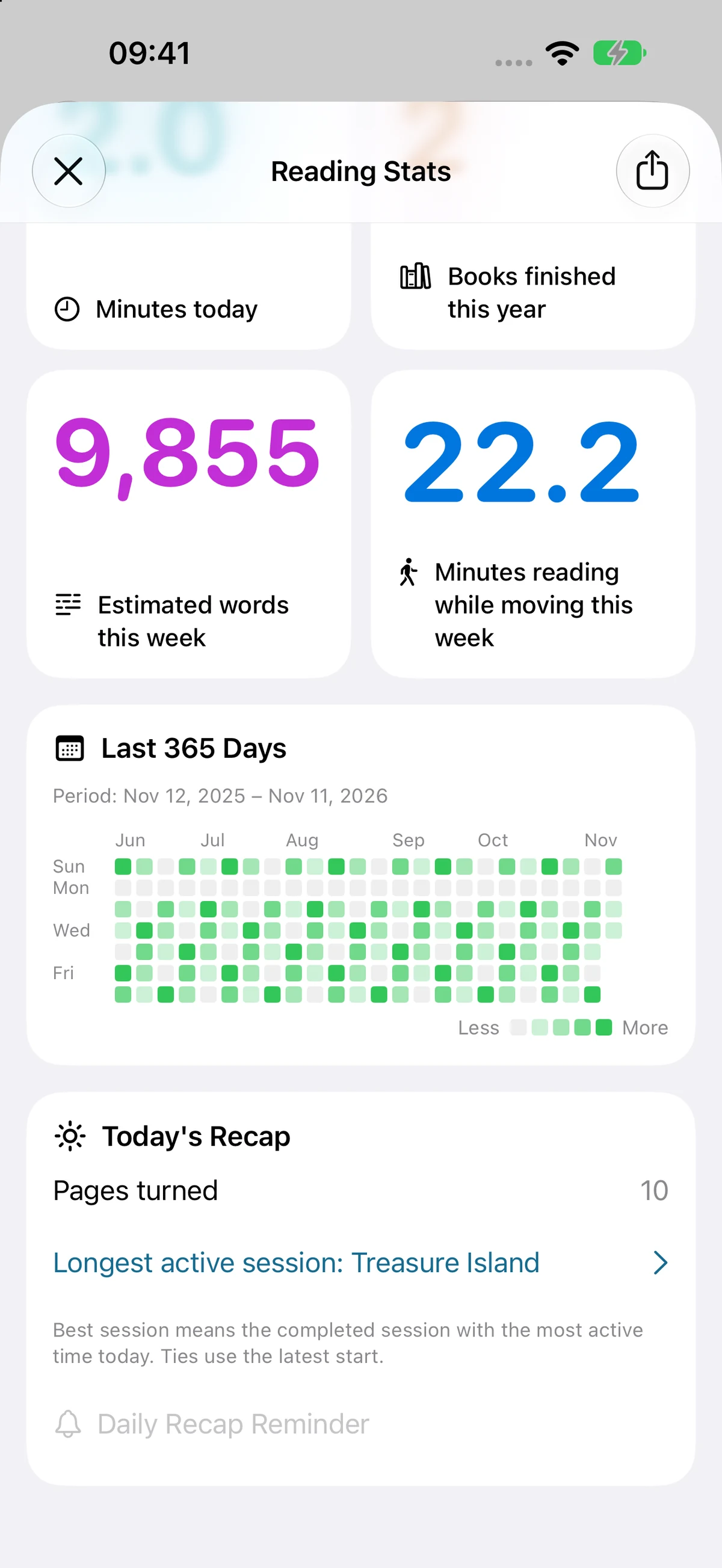
Daily activity and recap
Explore your reading history and the day’s recap.
Open full screenshotiPad
A larger reading space, with native sheets over the book and library.
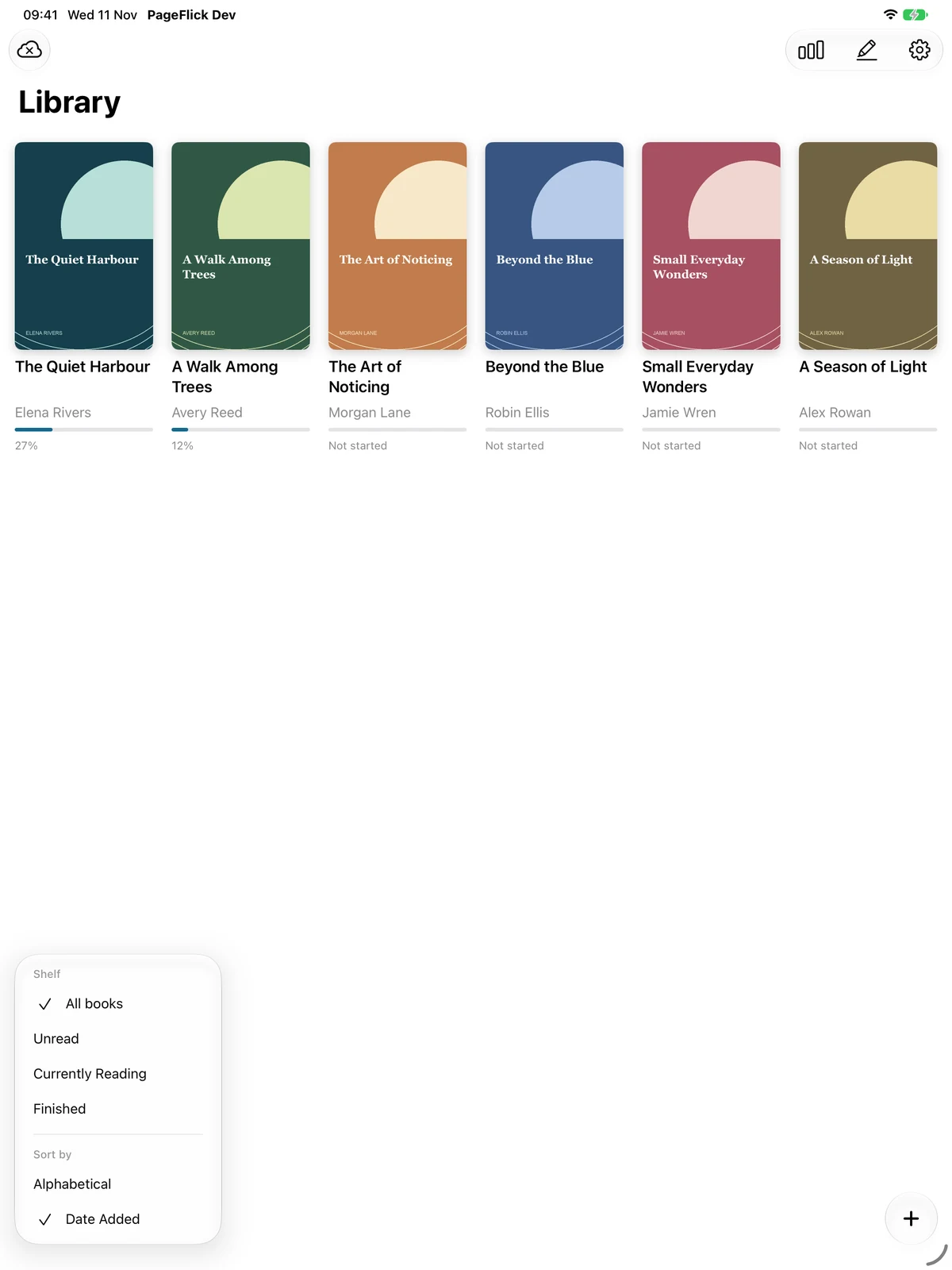
Shelves and sorting
Filter your shelves, then sort alphabetically or by date added.
Open full screenshot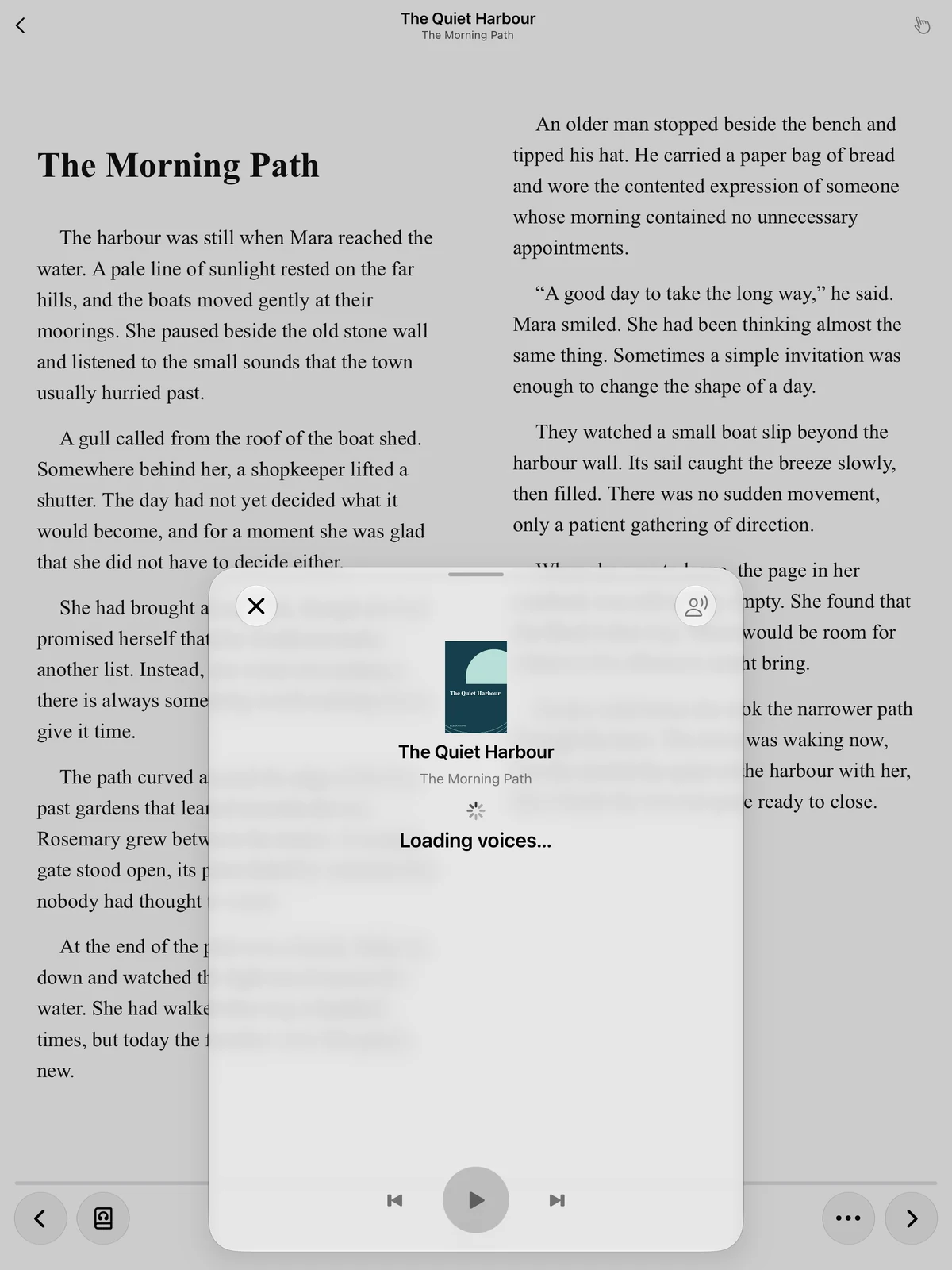
Read aloud
Playback controls sit over your open book. Pause, resume or move between sentences.
Open full screenshot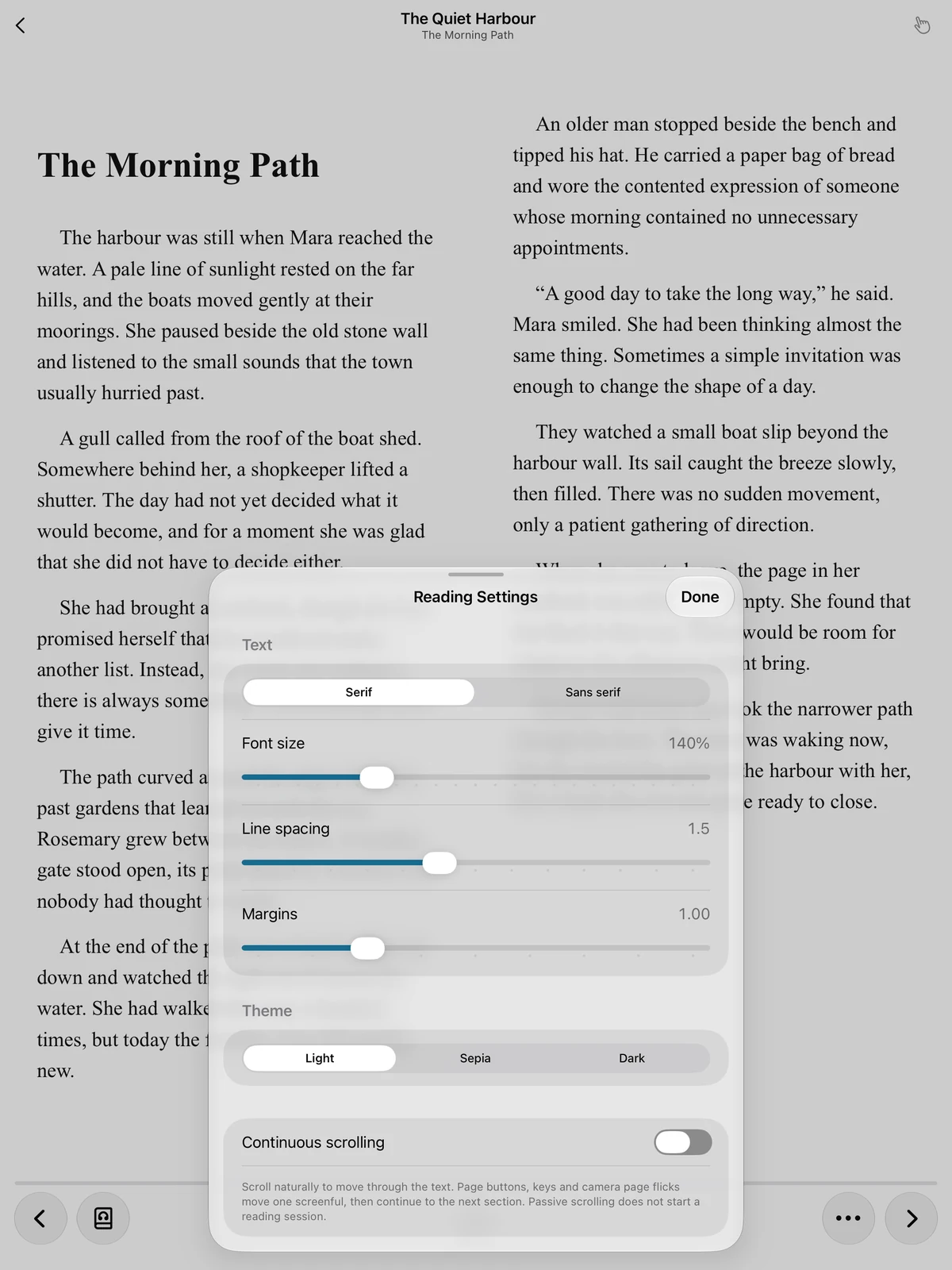
Text and reading settings
Adjust font, spacing, margins, theme and reading layout.
Open full screenshot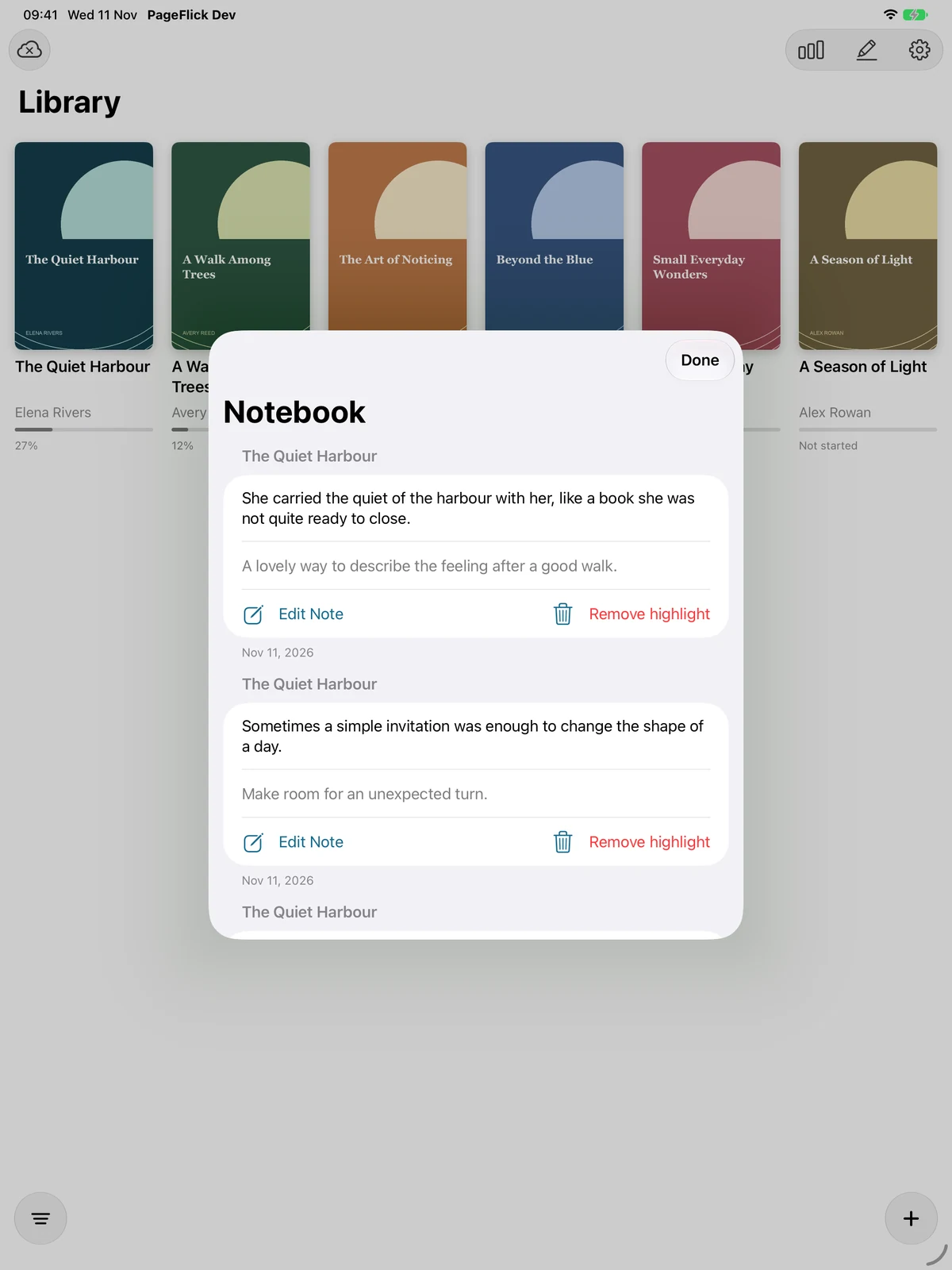
Highlights and notes
Revisit saved passages and edit your notes in Notebook.
Open full screenshotiPhone Duo · outer display
Your library and Notebook on the compact outer screen.
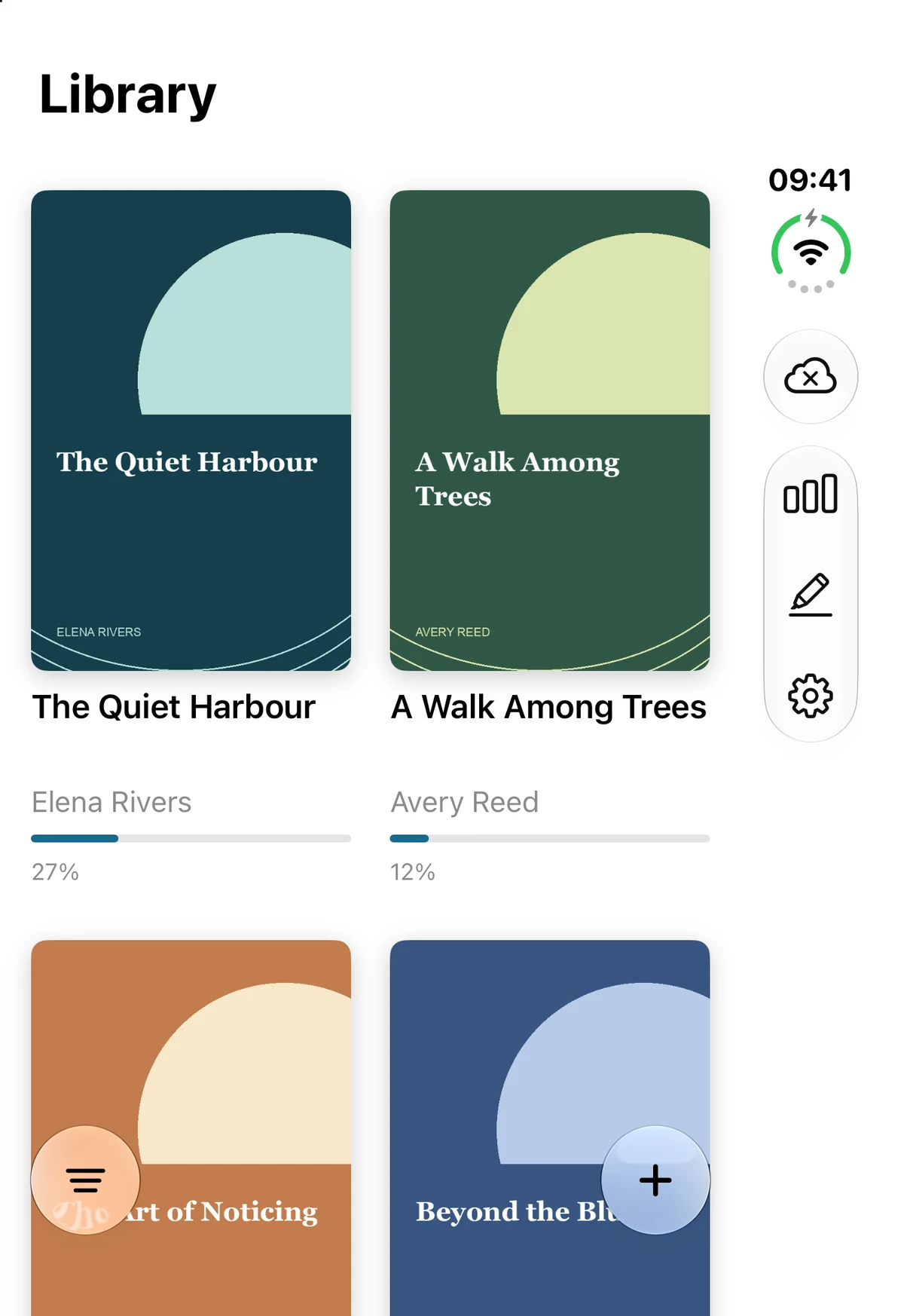
Your EPUB library
Browse the DRM-free books you have imported.
Open full screenshot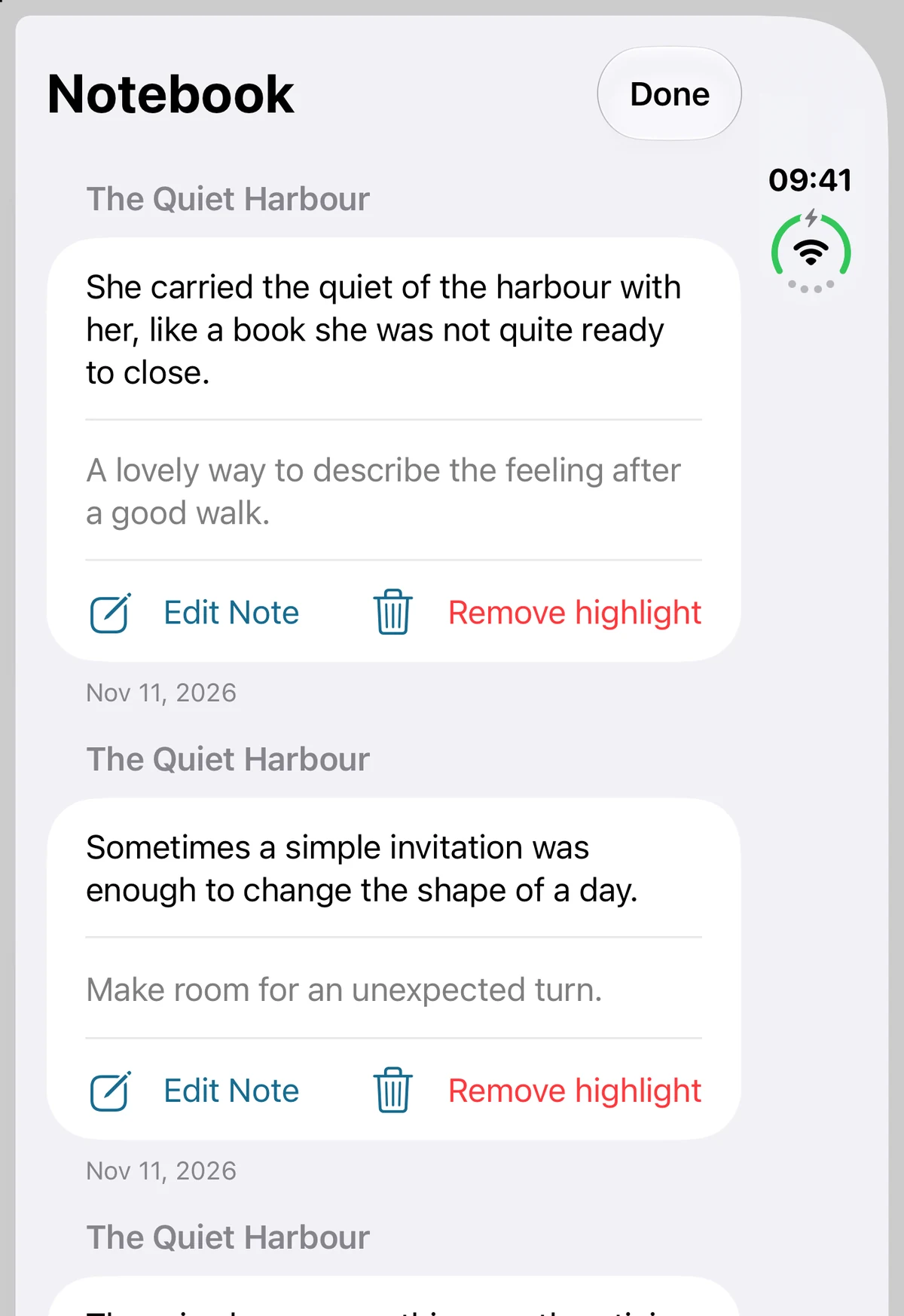
Highlights and notes
Revisit saved passages and edit your notes in Notebook.
Open full screenshotiPhone Duo · inner display
Open up the inner display for a wider library, notes and reading stats.
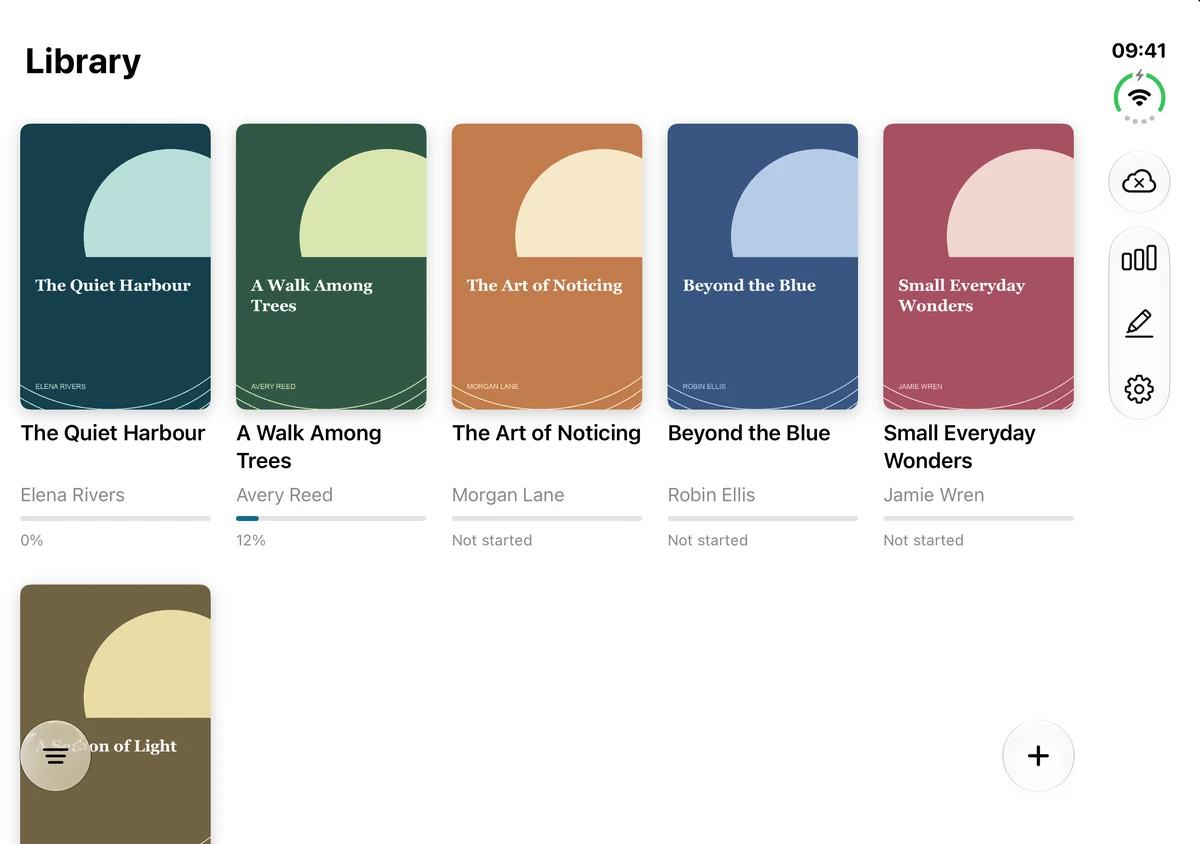
Your EPUB library
Browse the DRM-free books you have imported.
Open full screenshot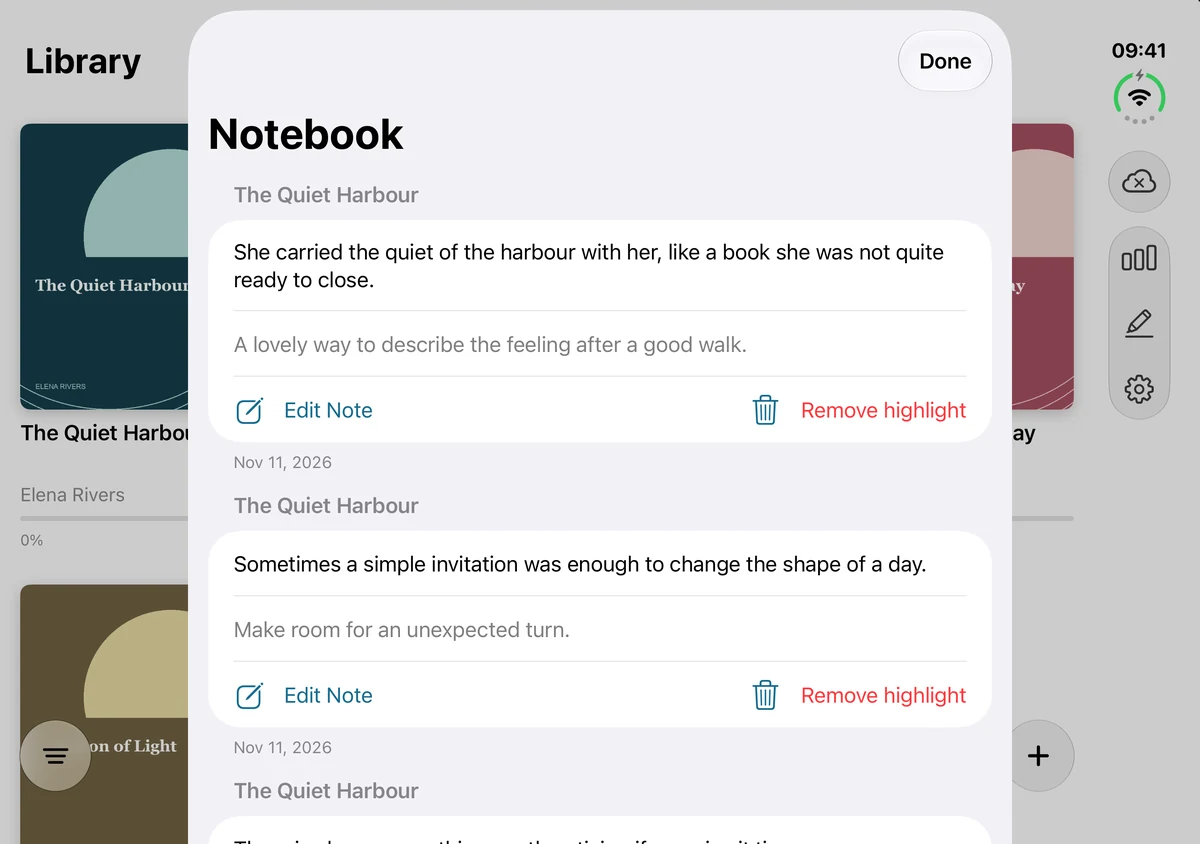
Highlights and notes
Revisit saved passages and edit your notes in Notebook.
Open full screenshot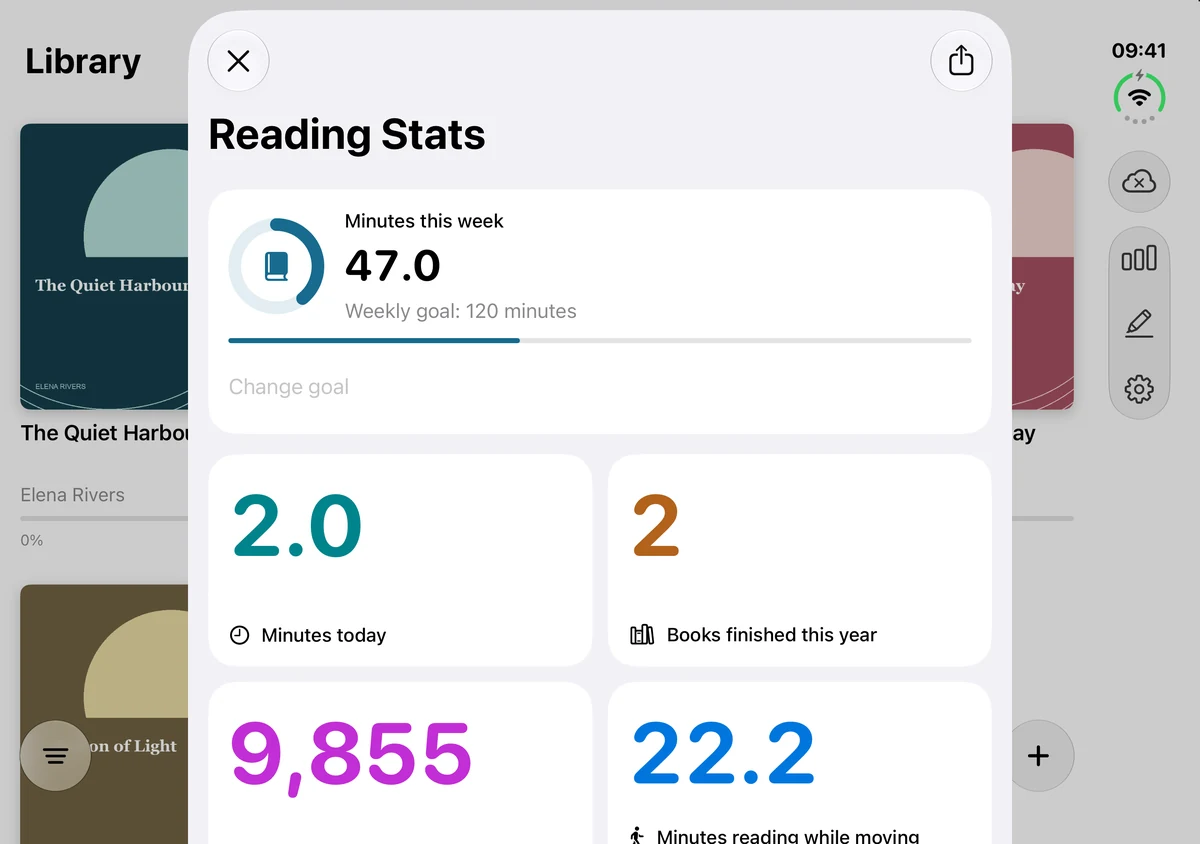
Reading stats and goals
Recorded reading activity alongside your weekly goal. Word totals are estimates.
Open full screenshotMac
The desktop reader, library and activity panels in their native layouts.
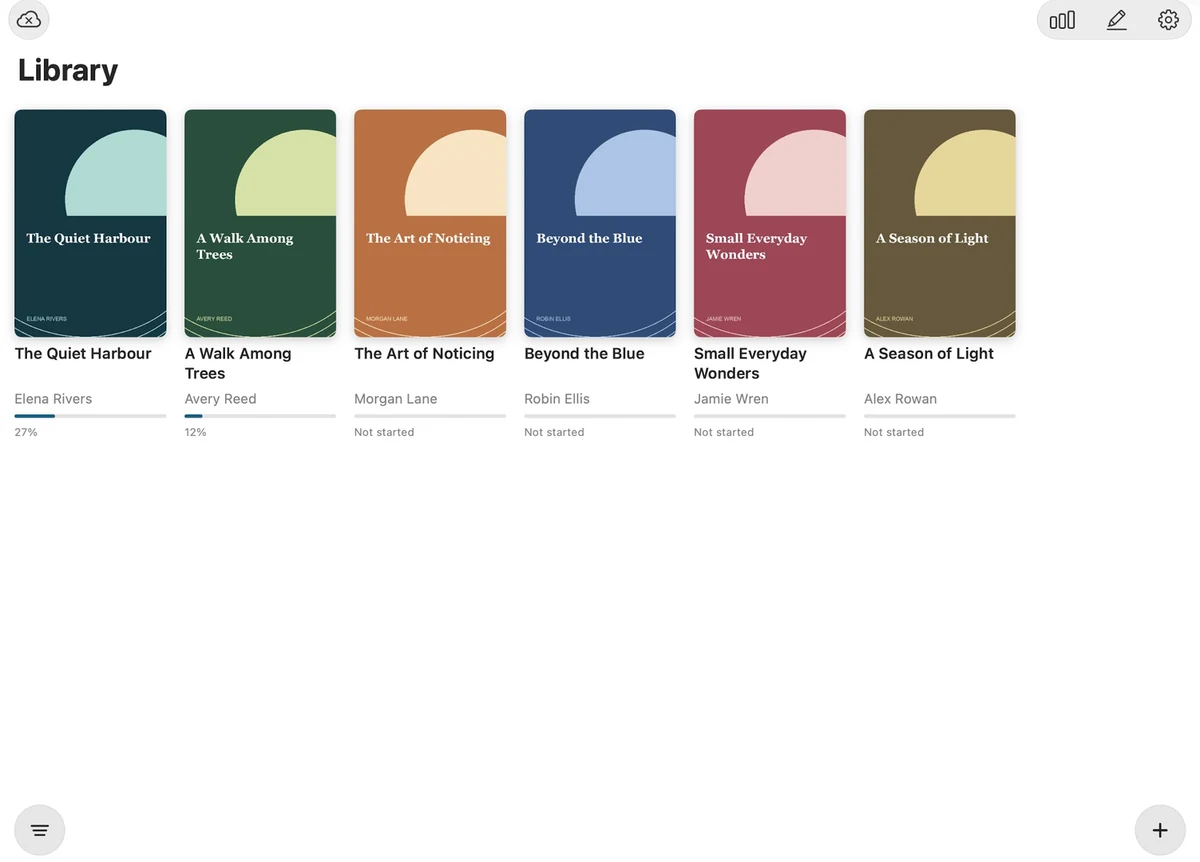
Your EPUB library
Browse the DRM-free books you have imported.
Actual Mac app window on a neutral desktop, shown in a MacBook frame.
Open full screenshot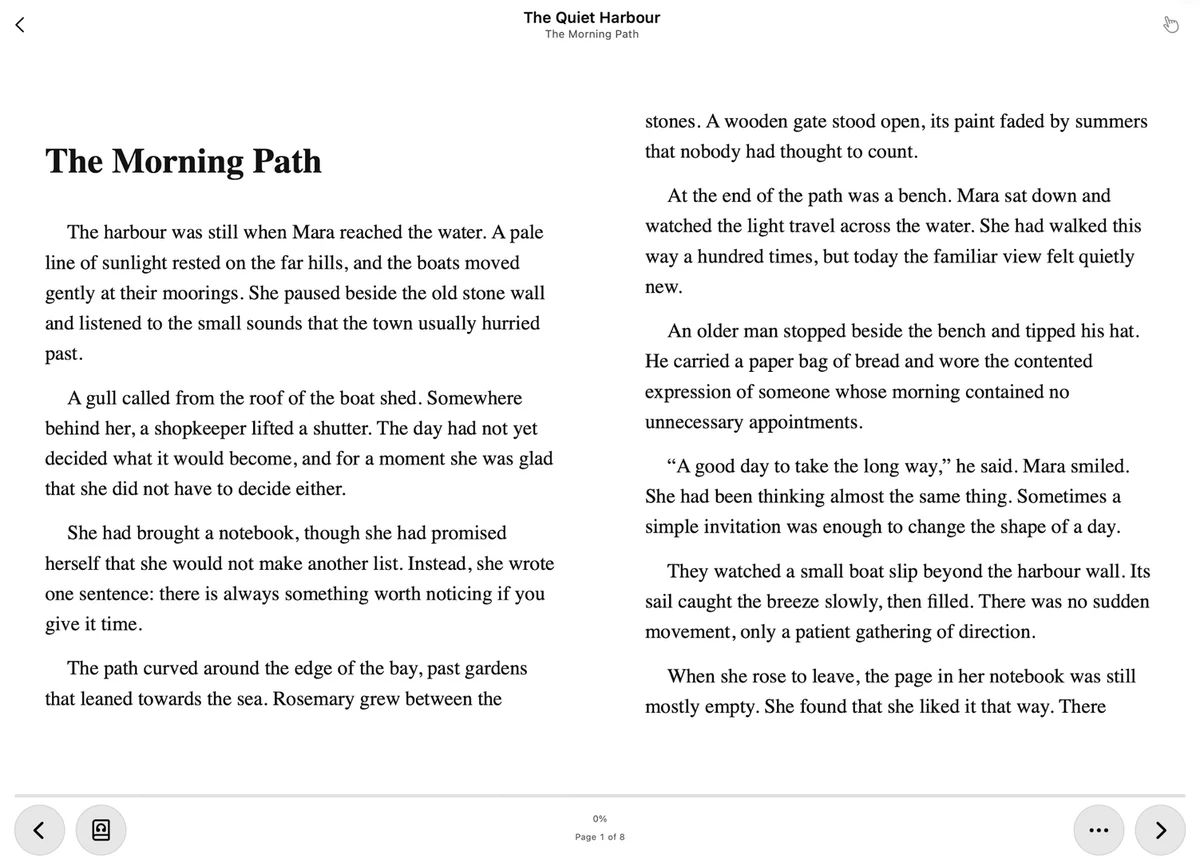
A wide reading view
Read in the native desktop layout, with page controls close at hand.
Actual Mac app window on a neutral desktop, shown in a MacBook frame.
Open full screenshot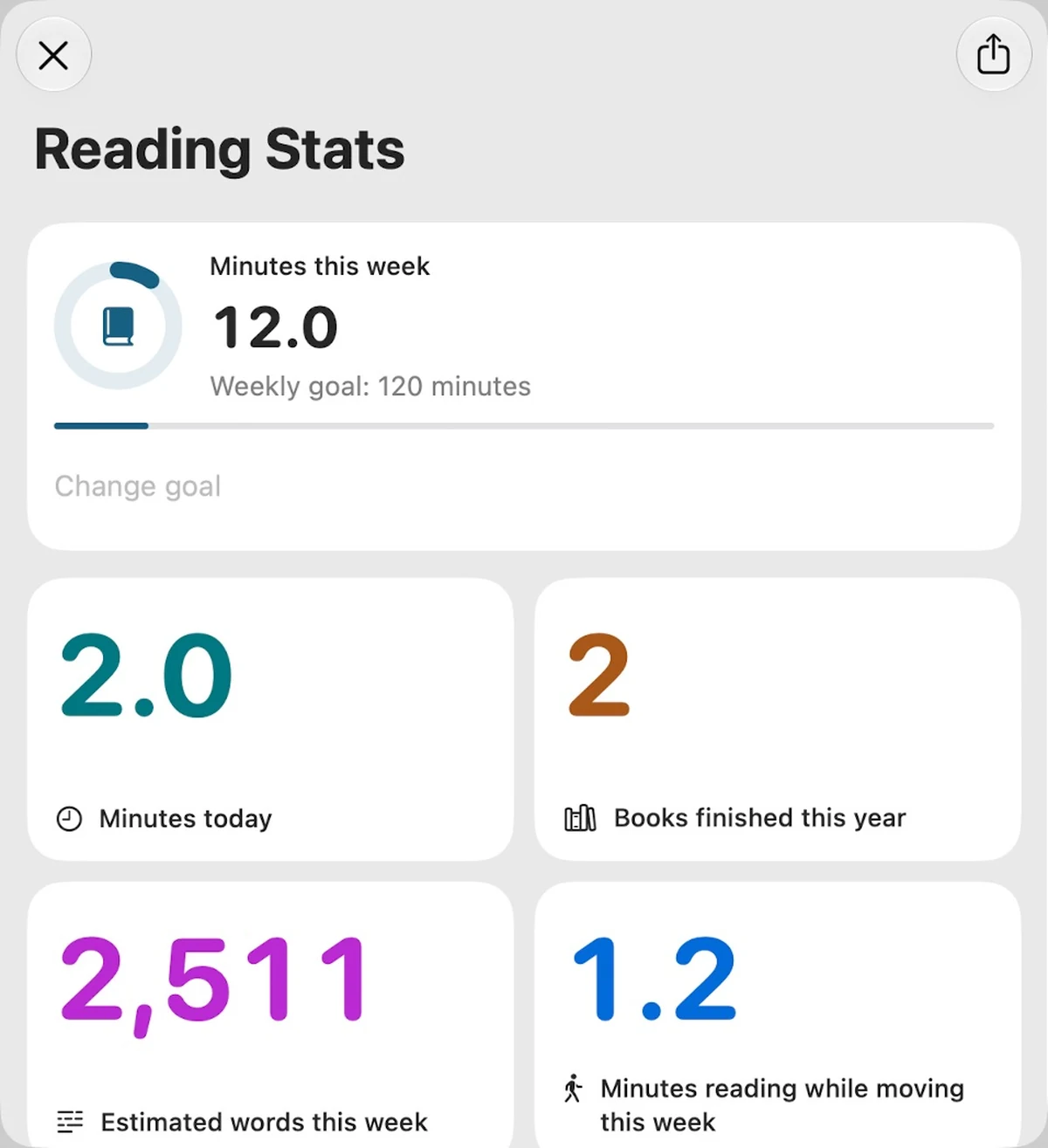
Reading statistics
See recorded reading minutes, completed books and estimated words.
Actual Mac app window on a neutral desktop, shown in a MacBook frame.
Open full screenshot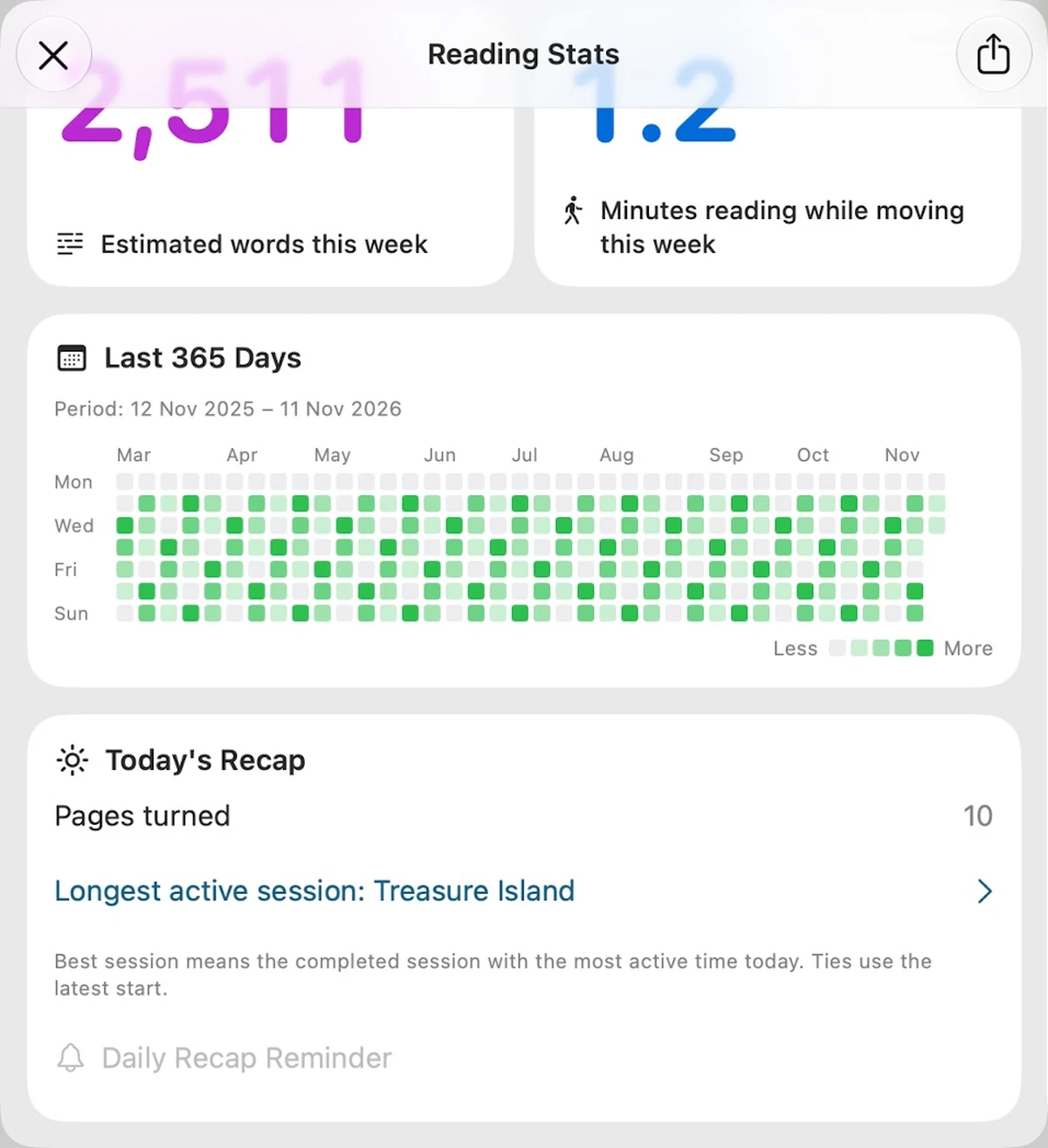
History and daily recap
Look back through recorded activity and your day’s reading.
Actual Mac app window on a neutral desktop, shown in a MacBook frame.
Open full screenshot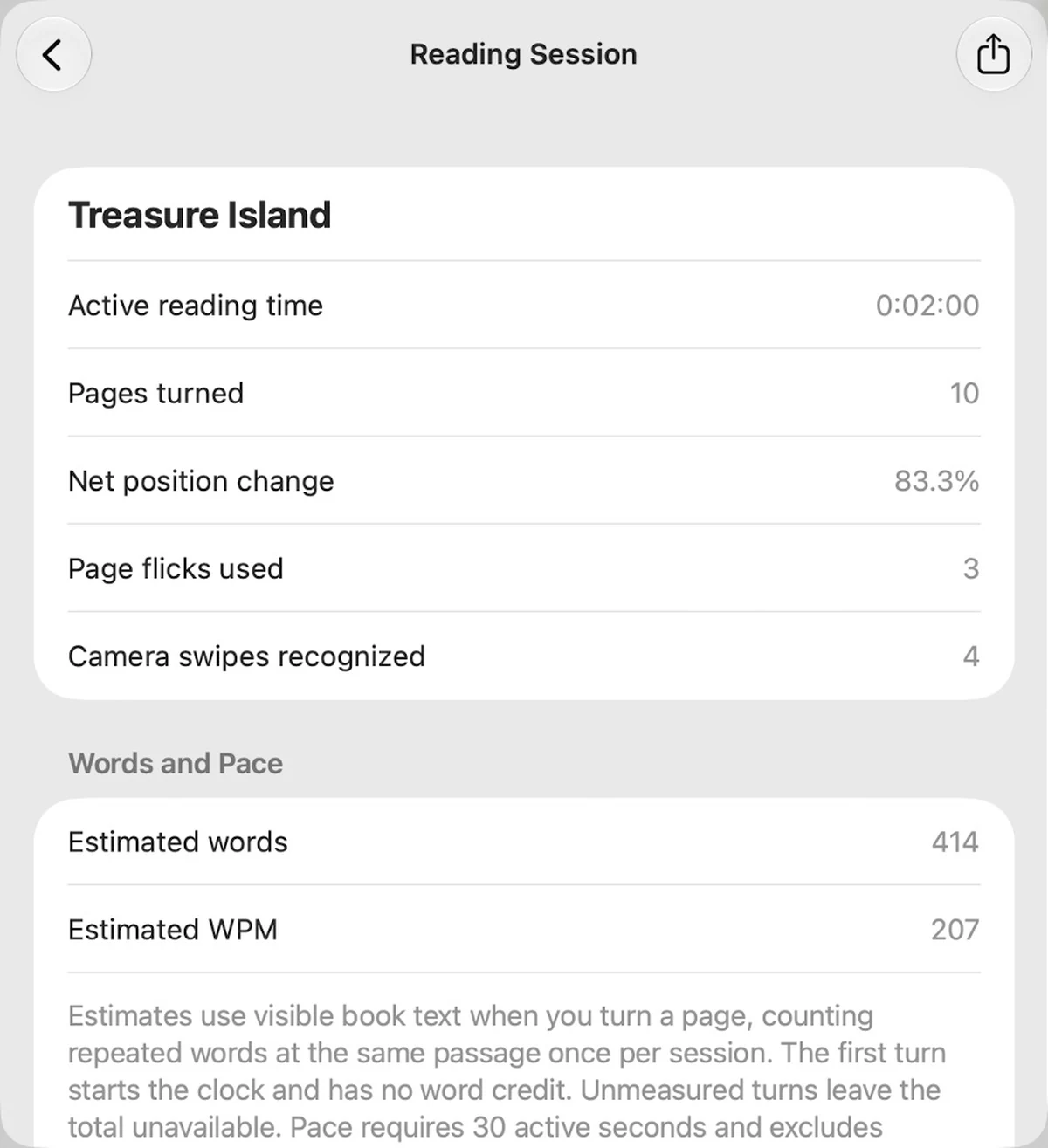
A closer look at a session
Inspect active reading time, page turns and estimated reading pace.
Actual Mac app window on a neutral desktop, shown in a MacBook frame.
Open full screenshot